




Key Takeaways
- Phone Becomes Your Key: Google Wallet home keys began rolling out on November 11, 2026, letting you open compatible Aliro locks through Google Home. You need Android 9 or later with NFC and a Google Thread border router, with Public Preview receiving access first.
- Check Before Buying: For Google Wallet home keys, the $269.99 Aqara U400 offers reported Android hands-free entry with a compatible UWB phone. The $399 Schlage Sense Pro initially supports Android NFC entry, while your Wear OS watch cannot open the door at launch.
- Keep Backup Access: Add Google Wallet home keys through Google Home, then choose whether your phone requires authentication for entry. Household members add personal keys, guests need passcodes, and you should retain a mechanical key or another entry method because a dead phone cannot open the door.
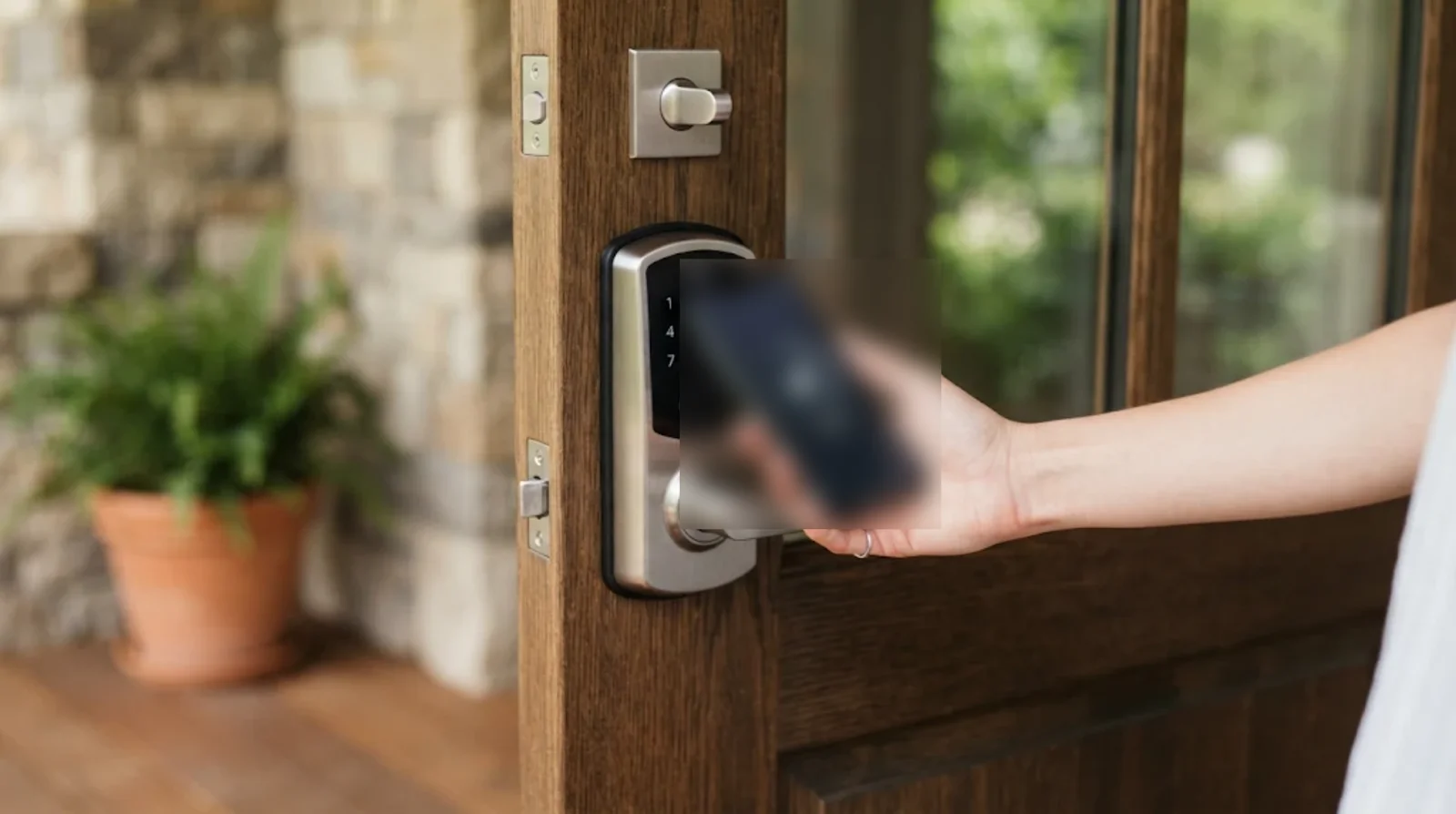
Your phone can pay for groceries, but can it get you through your front door? Google Wallet home keys began rolling out on November 11, letting you open compatible Aliro smart locks through a key added in Google Home. According to launch reports, you can tap an NFC-equipped Android phone running Android 9 or later, while hands-free entry needs a supported UWB phone and lock.
You may still be waiting for the feature. Public Preview users get access first, with wider availability expected over the following weeks.
If you have watched iPhone owners use home keys since Apple introduced the feature in iOS 15, this is Android’s turn. But before you buy anything, you need to check three things together. Your phone, lock and Google hub all matter.
What Your Wallet Gained in November
Google announced home keys through its support blog on November 11, then included them in its November 17 Google Home announcement. Launch coverage describes a staged release, without an exact date for everyone. Start with how the key fits into your household.
You get a key for your Google Home home profile, rather than a separate Wallet card for every door. That key covers the compatible locks within that home and syncs between compatible Android phones using your Wallet account.
Aliro and the Other Keys in Your Wallet
The technology behind this is Aliro 1.0, released by the Connectivity Standards Alliance on February 26, 2026. That is the organization behind Matter, with Apple, Google and Samsung committed to Aliro wallet support.
There is another distinction worth remembering. Property-manager-issued residential keys already exist in Wallet, added through a building’s website, app or email. Those follow different rules from the Google Home keys covered here.
For the other features announced alongside this release, see ourGoogle Home November update guide.
Google Wallet Home Keys at a Glance
You do not need a UWB phone just to tap your way inside. Hands-free entry has stricter requirements, though, and launch compatibility comes from reports citing Google’s announcement. Here is what those reports describe.
| Detail | What You Need to Know |
|---|---|
| Announcement | November 11, 2026 |
| Availability | Public Preview first, wider access expected over subsequent weeks |
| Access standard | CSA Aliro 1.0 |
| Tap to Unlock | NFC on Android 9 or later |
| Unlock on Approach | Compatible UWB phone and lock, including reported Pixel 10 Pro-series and select Galaxy support |
| Required hub | Google Thread border router |
| Initial hardware | Aqara U400, Schlage Sense Pro and Nuki Keypad 2 NFC |
| Watches | Wear OS unavailable at launch |
| Cost | No separate Google fee stated, with lock and hub purchases still required |
Two Ways Your Phone Can Open the Door
A tap and hands-free entry sound like small variations of the same feature. In practice, they require different hardware. Here is how each method works, plus where Bluetooth fits.
Bringing Your Phone to the Lock
NFC lets you hold your phone against the lock to open it. Reports describe entry without authenticating your phone each time as the default, with an option in Wallet to require authentication.
There is a small reporting difference. 9to5Google describes operation while the screen remains locked, while Digital Trends mentions having authenticated the phone within the preceding few hours. You should test the behavior on your own setup before relying on it.
Letting Your Arrival Trigger Entry
For hands-free entry, both your phone and lock need Aliro-compatible UWB. You must enable the Wallet option named Unlock on Approach yourself.
The Aqara U400 is the only launch model reported to offer Android UWB entry. Schlage Sense Pro supports Android NFC initially, with Android UWB expected later. Its existing Apple hands-free support does not establish Android support.
Where Bluetooth Fits
Aliro uses Bluetooth Low Energy for access you initiate from farther away. Hands-free operation pairs BLE with UWB.
The CSA says Aliro access can operate without network coverage. You still need the required home equipment for this Google Home setup.
Which Door Hardware Supports Android Entry
The initial list gives you three choices, but those choices do different jobs. Nuki’s entry is a keypad used alongside a compatible lock, while the other two are locks. Compare the reported capabilities before comparing prices.
| Hardware | Android NFC | Android UWB | Price | Other Details |
|---|---|---|---|---|
| Aqara U400 | Reported supported | Reported supported | $269.99 listed by The Gadgeteer | Fingerprint reader, rechargeable 4,880mAh battery and mechanical backup key |
| Schlage Sense Pro | Reported supported | Expected later | $399 | Matter over Thread, USB-C emergency power and up to 250 access codes |
| Nuki Keypad 2 NFC | Reported supported | No | US price unconfirmed | Requires a Matter-enabled Nuki lock and compatible Google hub |
The Gadgeteer also reported a $219.99 Amazon offer for the U400. Treat that as a reported sale price, rather than a price you are guaranteed to find.
Schlage’s Google Home support is reported by third-party coverage. Nuki’s US availability and exact compatible lock models remain unconfirmed.
Your older lock will not acquire Aliro just because you update its app. And if you are considering theRing Smart Lock, it lacks Aliro support.
Check Your Phone, Hub and Network First
Buying a compatible lock gets you only partway there. Your existing speaker may not provide the Thread connection this setup requires. Work through these requirements before ordering.
- Phone. You need NFC and Android 9 or later for tap entry. Reported hands-free support includes Pixel 10 Pro and Pro XL, with MatterAlpha also naming Pro Fold. Select UWB Galaxy phones qualify, but no complete model list is confirmed.
- Lock. Choose hardware supporting both Matter and Aliro, then check its specific Android entry methods.
- Hub. Google lists Google Home Speaker (2026), Nest Hub (2nd gen), Nest Hub Max, Nest Wifi Pro and Google TV Streamer (4K) as Thread border routers.
- Older Google devices. Nest Hub (1st gen), Nest Audio, Nest Mini and older Home speakers provide Wi-Fi support without the required Thread border router function.
- Network. Enable IPv6. Google warns that Matter setup can appear successful without it before control later stops working.
- Apps. Use current Google Home and Wallet apps, with Public Preview enrollment for early access.
One caveat applies to the hub list. Google confirms those devices as Thread border routers, but has not explicitly confirmed every model for home keys. If your lock loses its connection, ourMatter device offline guidecovers that separate problem.
Put Your Home Key Into Google Wallet
You begin in Google Home, where the key connects to your home and compatible locks. A newly added lock should offer the key during setup. For an existing installation, follow this sequence.
- Open Settings in Google Home and join Public Preview if you need early access.
- Add your compatible Aliro lock to Google Home. Follow the home-key prompt if it appears during onboarding.
- For an existing lock, open Home Settings > Google Wallet key. Alternatively, follow Home > All devices > your lock tile > Settings > Google Wallet key.
- Select Get Started, create a passcode and complete the Add a key instructions.
- Select Add to Wallet. Your new card should carry the Google Home logo and the name of your home.
- In Wallet, choose whether entry requires phone authentication. If both devices support UWB, enable Unlock on Approach for hands-free use.
The passcode gives you another way to enter. Keep that backup available while you check how the phone behaves at your door.
Give Household Members Their Own Access
Your home key can cover several compatible doors, but each household member adds a personal key. Guests use a different method. Here is where those two routes separate.
If you belong to the Google Home household, you can add your own key to your Wallet. It then syncs across your compatible Android phones under your account.
Use Passcodes for Your Guests
You cannot send a Google Home Wallet key to a visitor as a guest credential. Instead, use the lock’s passcodes, which Google Home supports sharing through text or email.
Aliro 1.0 does not include secure key sharing. The CSA lists that capability as something a later phase may add, so you should make your guest-access plans around what works today.
Check Authentication, Key Removal and Backup Entry
A phone key is convenient until you lose the phone or need to withdraw access. Google’slock-control help pageexplains removal behavior, including an important exception. Review these points before making your phone your usual way inside.
- Phone authentication. Default entry does not require authenticating your phone each time. Consider enabling the available screen-lock or biometric requirement in Wallet.
- Removing the lock. Deleting the lock from Google Home removes its digital key from devices using the same Wallet account.
- Leaving the home. Leaving or deleting the Google Home home deactivates your key.
- Unreachable hardware. A key may remain active if Google cannot reach the lock. A factory reset may be necessary when the lock has disconnected from the service.
- Lost phone. Your key remains available on other compatible Android phones where it has synced. You can remove the lock through Google Home, subject to the connection caveat above.
- Flat batteries. A dead phone cannot open the door. Keep a mechanical key, supported fingerprint access or a PIN available. Sense Pro’s USB-C port can supply emergency power to the lock, rather than revive your phone.
Compare Google, Apple and Samsung Door Keys
You may have more than one phone brand in your household. Aliro supports cross-platform wallet access, but each platform has its own setup and hardware limits. Compare the actual features you need.
| Platform | Launch Timing | Standard | Setup App | NFC | UWB | Watch Support |
|---|---|---|---|---|---|---|
| Apple Home Key | iOS 15 in 2021, first lock shipped March 2022 | Apple Home Key | Apple Home | Yes | Available with Sense Pro and supported Apple hardware | Apple Watch supported |
| Samsung Wallet Digital Home Key | Regional rollout began March 2026 | Aliro | SmartThings | Select devices | Select devices from April 2026 | Not specified in supplied launch details |
| Google Wallet | November 2026 rollout | Aliro | Google Home | Android 9 or later with NFC | Reported compatible phones and U400 at launch | No Wear OS at launch |
Apple’s first compatible lock was the $300 Schlage Encode Plus, released March 31, 2022. For your purchase, current phone and lock compatibility matters more than which platform arrived first.
The Limits You Still Need to Consider
You can buy compatible hardware now, but the rollout leaves several gaps. Before spending money for one particular feature, check whether any of these limits affects you.
- Wear OS. Your Google-powered watch cannot act as the key at launch.
- Lock choice. The initial supported list is small.
- Hands-free phones. UWB access is restricted to reported recent Pixel Pro models and select Galaxy devices.
- Release timing. Google has not given a firm date for access outside Public Preview.
- Home equipment. You still need a Google Thread border router.
- Compatibility details. A complete supported-phone list and confirmed rollout-country list are unavailable in the supplied information.
Should You Buy an Aliro Lock Yet
Your best reason to buy now is having most of the required equipment already. Start with the phone and hub you own, then decide whether tap entry or hands-free entry justifies the lock purchase.
If you have a compatible UWB phone and Thread hub, the U400 is the reported option for both Android entry methods today. With NFC alone, you can consider all three launch options, while checking Nuki’s lock requirements and unconfirmed US availability.
Consider Your Household Before You Spend
Have iPhones in the household too? Aliro gives you a route to access across platforms, although each device still needs to meet its platform’s requirements.
If buying a lock would also mean replacing your phone and adding a hub, waiting for more certified choices is reasonable. Convenience is useful when it fits the equipment you already want.
FAQs
Your lock needs Aliro support to work with these keys. An older smart lock without Aliro will remain usable through its existing features, but an app update will not add the required capability.
You generally do not need to authenticate your phone for every tap under the reported default behavior. Wallet lets you require authentication, though reports differ slightly about whether recent phone authentication is necessary.
You need a Google device that serves as a Thread border router. Google’s Matter list includes Home Speaker (2026), Nest Hub (2nd gen), Nest Hub Max, Nest Wifi Pro and Google TV Streamer (4K), but explicit home-key confirmation for every listed hub remains unavailable.
Your Wear OS Pixel Watch or Galaxy Watch cannot use this Google Wallet feature at launch. The reported release supports compatible Android phones, without a confirmed date for Wear OS access.
Your key can remain available on other compatible Android phones through account syncing. You can remove the lock through Google Home, although an unreachable lock may need a factory reset to deactivate access. A phone without power cannot open your door, so retain another entry method.
You should receive access during the wider rollout described in launch reports as taking place over the following weeks. No exact general-release date is confirmed, so you cannot count on a particular day.
