




Key Takeaways
- Roku Ends Sales: Roku confirmed on November 11, 2026, that smart home hardware sales were winding down as the company prioritizes streaming. Roku TVs and streaming players are unaffected, and Fox’s role in the decision remains unconfirmed after its $22 billion purchase closed five days earlier.
- What Still Works: Your Roku smart home devices still work, with no support end date or refund program announced. Live video, basic alerts and self-monitoring remain free, while cloud clips and package alerts require a camera plan at about $4 monthly for one camera or $10 for multiple.
- Save Your Footage: Download your Roku camera clips from Events, update your devices and use microSD on supported models such as the Indoor Camera 360°. Check your renewal date and confirm Noonlight is active if you rely on Pro Monitoring, then unlink and reset any devices you replace.
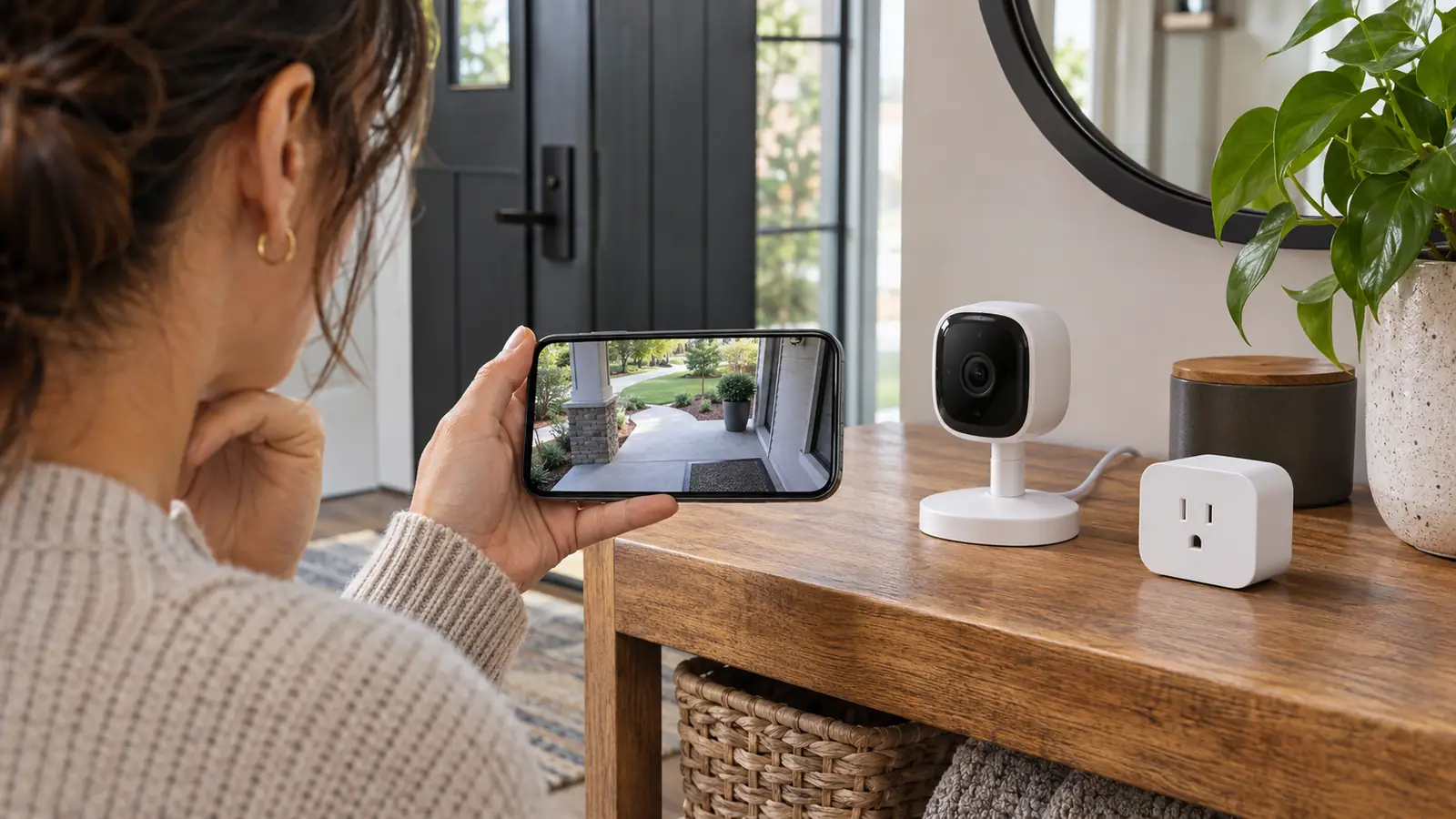
What happens to the Roku Smart Home camera you already paid for? It keeps working for now, along with the rest of your Roku smart home gear. On November 11, 2026, five days after Fox closed its $22 billion purchase of Roku, the company confirmed it was winding down sales of its cameras, doorbells, lights, plugs and home monitoring hardware.
Roku says it will keep supporting the products you own. How long will that last? Roku hasn’t given an end date, and there’s no announced refund program. If you pay for cloud recordings or rely on Noonlight to respond to an alarm, the announcement leaves you without a date for how long those services will run.
You can still open the app and check your camera today. If you’re deciding whether to keep paying for a plan or buy one of the last discounted devices, start with what Roku has confirmed.
| Item | Status |
|---|---|
| Announced | November 11, 2026, in a statement to Lowpass |
| What’s ending | Sales of smart home hardware as stock runs out, with no new products planned |
| Still for sale | Indoor Camera 360° and Video Doorbell & Chime at discounted prices while stock lasts |
| Existing devices | Support and services continue, with no end date announced |
| Smart Home Subscription and Pro Monitoring | No changes announced |
| Refunds | No program announced |
| Fox deal | $22 billion acquisition closed November 6, 2026 |
What Roku Announced and Why It’s Leaving
Roku gave Lowpass the news on November 11. The company said its priority was to be the top streaming platform, and its spokesperson made a separate commitment about the gear you already own.
Roku will “wind down sales of smart home hardware and will provide continued support and services” for its existing products, a spokesperson told Lowpass.
You see, the smart home line had been getting less attention for months. Roku still described the business in its first-quarter shareholder letter in 2026. By the second quarter, that description was gone. Its filings also indicated that smart home products added nothing to the streaming hours Roku tracks.
Then came Roku’s final quarterly report before the Fox deal closed. Device revenue grew 33% from a year earlier, yet the hardware business posted a gross loss of $48.6 million, up from $22.9 million. Roku attributed much of that to higher memory costs. Those numbers cover the full hardware business, so you can’t tell how much of the loss came from cameras, doorbells or other smart home products. The pullback was already underway months before Fox completed the purchase, and Fox’s role in the decision remains unconfirmed.
Which Roku Smart Home Devices Are Affected
If you bought Roku smart home gear back in 2022, it likely came from the first batch of Wyze-based products. Roku added a home monitoring kit in 2023 and brought out its own battery camera designs in 2025. The sales wind-down covers all of those groups.
- Cameras. The lineup includes the Indoor Camera SE, Indoor Camera 360°, wired and wireless outdoor cameras, and the Floodlight Camera SE. The two in-house models arrived in 2025. The Battery Camera cost $40 and the Battery Camera Plus cost $60.
- Doorbells. The Video Doorbell & Chime and the wireless video doorbell both fall under the wind-down. The Video Doorbell & Chime was still listed as a special offer on Roku’s store.
- Lighting and Plugs. Roku is also ending sales of its smart bulbs, light strips and smart plugs. Its own store showed those products as sold out.
- Home Monitoring System SE. The $99 starter kit arrived in 2023 with two entry sensors, a motion sensor, a wireless keypad and a hub with a siren. You could watch for alerts yourself or pay for professional monitoring.
As of the announcement, Roku’s store had just two products left, the Indoor Camera 360° and the Video Doorbell & Chime. Lowe’s still showed some devices in stock, and some Walmart listings reportedly had clearance units, though availability varied. Amazon listings were limited to refurbished gear, and Home Depot had removed its listings.
How Long Your Cameras, App and Subscription Keep Working
Roku hasn’t said how long your cameras or the Smart Home app will be supported. It hasn’t given a schedule for future firmware updates or a date for any cloud shutdown, either. For now, what you can do in the app depends on whether you pay for a plan.
| Feature | Without a Subscription | With a Subscription |
|---|---|---|
| Live camera view | Available in the Smart Home app | Available in the Smart Home app |
| Motion and sound detection | Basic detection and push alerts, with a five-minute cooldown between alerts | Detection can trigger cloud event recordings |
| Cloud event recordings | Unavailable | Motion and sound clips stored for up to 14 days |
| Smart detection and package alerts | Unavailable | Detects people, packages, pets and cars, with separate package alerts |
If you have the Home Monitoring System SE, you can still monitor it yourself without paying for Pro Monitoring. The paid service uses Noonlight agents who can dispatch emergency help in the continental US. With self-monitoring, you’re the one who responds when an alert comes in.
Published prices put a single camera at about $4 a month and multicamera coverage at about $10 a month. Roku’s Cameras Plus plan covers up to 99 cameras and doorbells. Earlier pricing put Pro Monitoring at about $10 a month or $100 a year. Check your Roku account for what you’re paying now.
If your free motion alerts used to show an image, you may remember when those stills disappeared. A pending lawsuit alleges Roku removed the Motion Snapshot feature around July 16, 2025, without warning. Free users could still get the alert, but the snapshot that showed what triggered it was gone.
Refunds, Credits and What You Can Ask Roku For
Roku hasn’t announced a refund, trade-in or buyback program for your camera, doorbell or monitoring kit. Its support pages explain how billing works but leave refund eligibility unanswered. If you’ve already paid for a plan, here’s what Roku’s current billing policy means for you.
- Cancel a Plan. If you cancel your camera subscription or turn off Pro Monitoring renewal, you keep the paid service through the end of the billing cycle. Saved cloud clips can remain available for up to 14 days after the camera plan ends.
- Add a Camera. Coverage for an added camera starts right away. Roku credits the unused portion of your current plan on your next bill under its existing billing policy.
- Ask Roku in Writing. If a paid service ends before your plan does, ask Roku whether it will refund the unused time. Keep your purchase receipt, subscription bills and any replies so you have a record of what you paid for and when.
Moses v. Roku was filed in California federal court on March 5, 2026. You fall within the proposed class if you purchased your Roku Smart Home camera before July 16, 2025, and still had it that day or later. The case concerns the removed snapshots and remains pending, with no settlement or refund available through it.
How to Protect Your Footage and Account Today
If your Roku camera is still sending alerts, you have time to save the clips you care about and check what you’re paying for. Start with the footage. Roku has promised continued support, but it hasn’t said how long it will keep cloud recording available. Then check your monitoring plan and decide what to do with any gear you’re ready to retire.
- Update Your App and Cameras. Install any available updates for the Roku Smart Home app and your devices while Roku is still providing support. Install any firmware updates available for your Roku devices today, since Roku hasn’t said when those updates will end.
- Download the Clips You Want to Keep. Open the Events tab in the Smart Home app, select a recording and tap the Download icon. The clip goes to your phone’s gallery. If you plan to cancel your camera subscription or remove a camera from it, save the clips you want before making the change.
- Add a microSD Card if Your Camera Supports One. Your options are the Indoor Camera SE, Indoor Camera 360°, Outdoor Wired Camera SE, Floodlight Camera SE and Outdoor Camera SE, which also supports a card in its base station. The Outdoor Camera SE and its base station take an 8 GB to 32 GB card formatted as FAT32. You can pull the card and play event clips on a computer.
- Check Your Camera Subscription. If you’re keeping your cameras and still want cloud clips or package alerts, check when your plan renews. If you’re replacing your gear soon, consider monthly billing or cancel before the next renewal. When you cancel, your paid features stay available through the end of your current billing cycle.
- Confirm Pro Monitoring Is Active. If you pay for Noonlight, check that you’ve completed activation in the Smart Home app. To pause the service, open Monitoring and look for Pause pro monitoring in the home monitoring controls. Noonlight agents won’t respond while it’s paused. To cancel, go to Manage your subscriptions in your Roku account and turn off auto-renew for Pro Monitoring.
- Think Twice About Clearance Gear. A discount on the Indoor Camera 360° or Video Doorbell & Chime might look tempting. Before you buy, ask yourself how much use you’d need to get out of it at that price. Roku still hasn’t given you a date for how long support will last.
- Unlink and Reset Any Device You’re Retiring. On the Smart Home app’s Home screen, tap the pencil icon, select Edit Devices, then use the minus icon and choose Delete. Factory reset the device afterward to clear any Wi-Fi information it may still hold. If you’re also done with the subscription, cancel it separately in your Roku account.
When to Keep Your Roku Gear or Switch
Would you miss a live camera view now and then, or do you count on cloud clips and an agent who can respond to an alarm? That difference can help you decide whether to keep using what you have or start replacing it while the Roku app and services are still available.
- Keep Using Your Gear if It Still Meets Your Needs. You can still see live video and get basic motion or sound alerts without paying. If your camera takes a microSD card, local recording gives you another way to keep footage. You can also continue to self-monitor the Home Monitoring System SE.
- Start Switching if You Rely on Paid Services. If you depend on saved cloud footage or professional alarm response, you can start comparing replacements now. Plan to replace the Roku hardware you rely on. Your Roku cameras can’t move to the Wyze app, and Roku Smart Home gear lacks Alexa, Google Home and Apple HomeKit compatibility.
Wyze is worth comparing if you want to keep recordings on a microSD card. Blink needs separate hardware for local storage, so include that when you compare what you’d need to buy. Ring and Google Nest are other options to compare if you’re replacing a camera or doorbell. Apple’s reported HomeView camera mode remains unconfirmed, so leave it out of any replacement plan you need to act on today.
What the Fox Deal Means for Your Roku TV and Streaming Gear
Fox completed its $22 billion purchase of Roku on November 6, 2026. Roku joined Fox Digital Platforms alongside Tubi, Fox One and Red Seat Ventures. Roku founder Anthony Wood became co-chair of the division, and Paul Cheesbrough became co-chair and CEO.
The sales wind-down covers smart home hardware. You can keep using your Roku TV or streaming player as usual, and Roku has already released its first OLED TVs. The company says its priority is “being the top streaming platform.” If you use your TV to check a Roku camera, though, Roku hasn’t said how long you’ll be able to pull up a live feed or keep it in a small window while you watch something else.
Start by saving the clips you’d miss and checking your next renewal date. If you count on Noonlight, confirm that monitoring is active today. From there, you can decide which devices still do what you need and which ones you’d feel better replacing.
FAQs
Your Roku camera should keep working for now. Roku says it will continue supporting existing devices, but it hasn’t given a date for when that support or cloud service might end.
You only need a Roku Smart Home subscription if you want paid camera features such as cloud event recordings, smart detection or package alerts. You can still watch live video and get basic motion and sound alerts without a plan. If you use the Home Monitoring System SE, you can also monitor it yourself without paying for Noonlight.
Roku hasn’t announced a refund program for your camera or doorbell. If a service you’ve paid for ends early, ask Roku in writing about a refund and keep your receipts. The pending lawsuit over Motion Snapshots hasn’t resulted in a settlement.
You can’t move your Roku cameras to Alexa, Google Home or the Wyze app. The early cameras used Wyze hardware, but they still run through the Roku Smart Home app. If you choose another system, plan to buy hardware that works with it.
Buy a discounted Roku camera only if you’re comfortable with an unknown support end date. If you need cloud recording for the long run, compare other cameras before buying one of Roku’s remaining units.
Fox’s role in Roku’s decision remains unconfirmed. Fox closed the purchase on November 6, and Roku confirmed the sales wind-down five days later. Roku had already been pulling back from smart home for months before the deal closed.
