




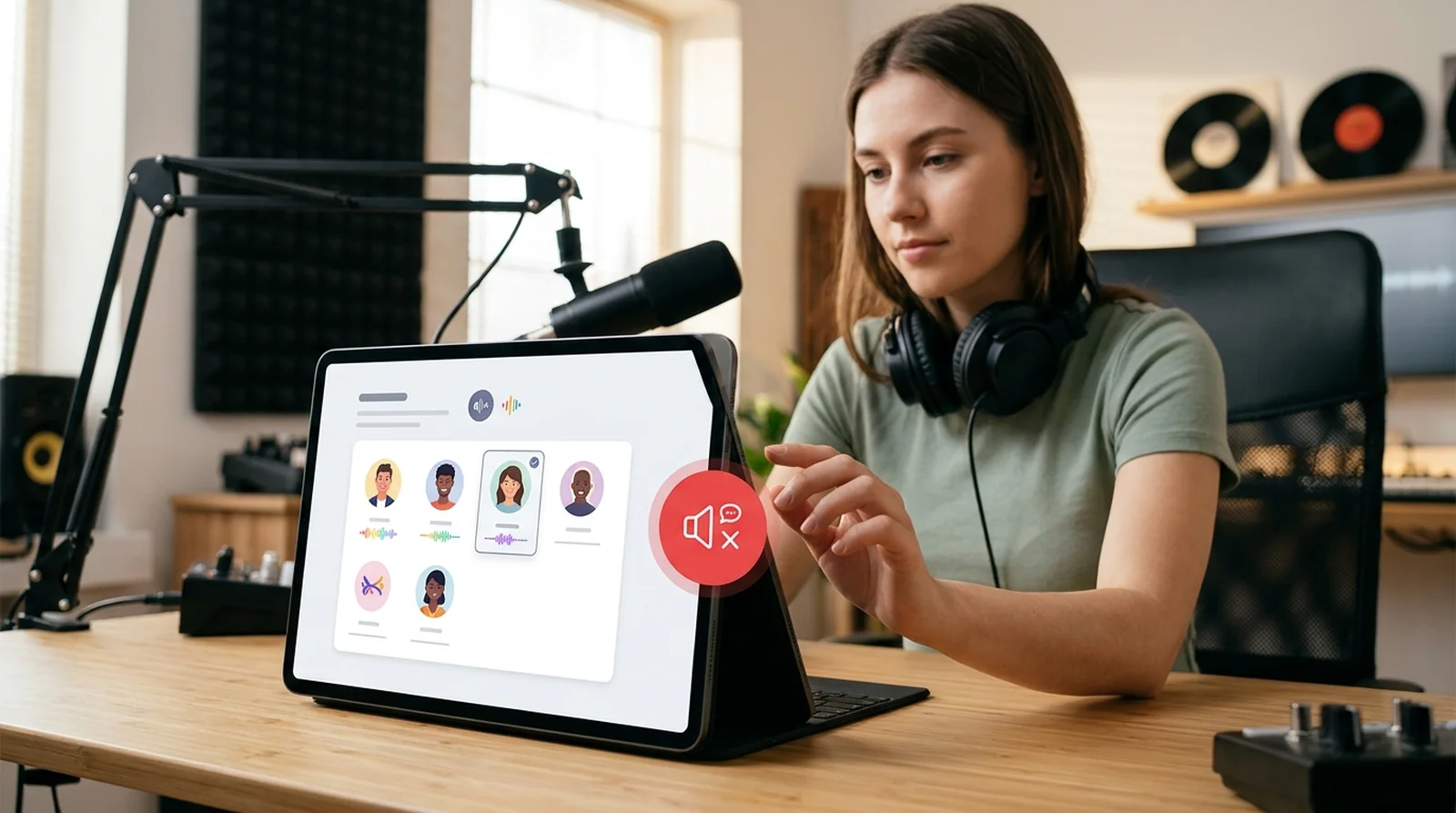
Key Takeaways
- Nine New Voices: On November 10, 2026, Spotify DJ began rolling out seven English voices, Casey, Tess, Lane, Sam, Nell, Declan and Nisha, plus two Mexican Spanish voices, Nico and Fabi. You can still choose the original X voice.
- Quieter Listening: Spotify DJ’s new controls are rolling out to Premium listeners where DJ already works. With commentary off, you can still make requests by voice or text and hear a brief acknowledgement when you start a session or tap the DJ button.
- Check Your DJ Menu: Open Spotify DJ on your phone and tap the three dots to find Pick your DJ or DJ Commentary. Tap Restart DJ after changing commentary, and check back if either option is missing because Spotify hasn’t announced a rollout end date.
Ever had Spotify DJ line up a song you love, only for X to start talking just as you’re ready to hear it? The Spotify DJ new voices rollout began November 10, 2026, with nine more hosts and an option to turn off the commentary between songs. You get both controls if you have Premium and live in a market where DJ already works.
You see, the voice and the commentary are two separate choices. You can keep X and hear less of him, or try another host and leave the commentary on. And if you like the way DJ picks songs for you, you can keep that going while you make requests by voice or text. Both controls live in the DJ’s three-dot menu, so let’s start with what you’ll find there.
| Announced | Tuesday, November 10, 2026 |
| New voices | Nine in total, with seven in English and two in Mexican Spanish. X stays. |
| English voices | Casey, Tess and Lane from the US, Sam from Australia, Nell from the UK, Declan from Ireland and Nisha from India |
| Spanish voices | Nico and Fabi from Mexico. TechCrunch reports that they replace Livi. |
| Commentary control | You can turn off the talk between songs. You’ll still hear brief acknowledgements. |
| Who gets it | Premium listeners in existing DJ markets. TechCrunch and Digital Music News put the total at more than 95 markets. |
| Where to change it | Open the DJ’s three-dot menu and choose Pick your DJ or DJ Commentary. |
| Rollout | Gradual from November 10, with no announced completion date |
What Spotify Changed in the DJ This Week
Spotify’s November 10 announcement brings two choices you may have wanted since DJ arrived in 2023. You can give your DJ a different voice or let the music play without commentary between tracks. If you like hearing X explain what’s coming up, you can keep listening as usual. The first choice to make is who you want to hear. Other services are adding AI music controls too, such as the AI music filter on Deezer and YouTube Music.
More than 94 million Premium listeners have used DJ, and Spotify says 80% of DJ listeners come back each week. X remains the default, so the familiar voice is still there when you press play.
Spotify told Barrett Media that “the expanded lineup” was meant to give you “more ways to shape your DJ experience.” You might hear that difference in Casey’s gentle drawl, or in how much more energy Lane brings between songs.
Meet the Nine New Hosts
You have seven new hosts to try in English and two in Spanish. Some sound laid-back, some bring more energy, and a few sound like they could talk music with you for hours. Here’s how Spotify describes each one.
| Casey | US | English | Warm and easygoing, with a soft drawl |
| Tess | US | English | Welcoming and direct, with a little edge |
| Lane | Southern US | English | Youthful and upbeat |
| Sam | Australia | English | Outgoing and playful, with a casual delivery |
| Nell | UK | English | Relaxed, unhurried and well versed in music |
| Declan | Ireland | English | Candid and enthusiastic, with a music nerd’s streak |
| Nisha | India | English | Welcoming, with an energy that rubs off on you |
| Nico | Mexico | Spanish | Down to earth and attentive to what you ask for |
| Fabi | Mexico | Spanish | Friendly, quick-witted and a step ahead |
The Seven English Speakers
Three of the new English voices are from the US, including Lane with a Southern accent. You can also hear Australian, British, Irish and Indian accents from Sam, Nell, Declan and Nisha, respectively.
Two New Spanish Options and What Happened to Livi
Nico and Fabi both speak Mexican Spanish. TechCrunch reports that they’re replacing Livi and will be the only two Spanish hosts, and Barrett Media also reports that the previous Spanish voice is being replaced. Spotify’s November announcement leaves Livi’s status unconfirmed.
Voices for French, German, Italian and Portuguese
Spotify added Maïa for French, Ben for German, Alex for Italian and Dani for Brazilian Portuguese in May 2026. The nine voices arriving in November are all in English or Spanish.
How to Switch Your DJ to a Different Voice
You can change your host from the DJ screen in the Spotify mobile app. The same menu lets you pick both the language and the voice, so start by opening DJ on your phone.
- Open Spotify and tap the DJ icon on Home. You can also search for “DJ”.
- Tap the three dots on the DJ screen. They’re horizontal on iPhone and vertical on Android.
- Tap Pick your DJ.
- Pick a language, then choose the voice you want.
- Press play.
Want something different once the music starts? Tap the DJ button during playback to switch up the genre, artist or mood.
How to Make the DJ Stop Talking Between Songs
Sometimes you want Spotify to choose the next track and leave it at that. Turning off commentary gives you music without the DJ’s remarks between songs. You can make the change from the same three-dot menu, then restart DJ to apply it.
- Open DJ in the Spotify app.
- Tap the three dots.
- Choose DJ Commentary.
- Select the option to turn off commentary, then tap Restart DJ to apply it.
What You Will Still Hear
Spotify says you’ll still hear a quick acknowledgement when a session begins and when you press the DJ button. TechCrunch describes the second acknowledgement as happening when you turn DJ off. You can still ask for music by entering your request in the text box or tapping the mic icon and speaking.
When the Quiet Mode Makes Sense
Spotify gives the example of a dinner party, when you want music in the background while people talk. RouteNote suggests trying it while you work or study, too. You can let DJ pick the songs and hear from it briefly when you use the DJ button.
Who Can Use the New DJ Options
If you already listen to DJ with Spotify Premium, you’re in the group that can get the new voices and commentary control. Spotify is rolling them out gradually, so two eligible listeners may see the options at different times. Here’s what you can check on your account and in the app. If you share a Premium Family plan, here’s how Spotify Family plan verification works.
- Premium access. You need Spotify Premium to use DJ and change its voice or commentary. Free accounts don’t have access to DJ.
- Existing DJ markets. The rollout covers places where Spotify already offers DJ. TechCrunch, Digital Music News and Barrett Media put the total at more than 95 markets.
- Six languages. DJ supports English, Spanish, French, German, Italian and Brazilian Portuguese. The nine November voices are in English and Spanish.
- Mobile controls. Spotify shows how to make the changes on your phone and gives no separate rollout dates for iPhone and Android. Availability of the new controls on desktop, the web, in cars, on TVs and on smart speakers is still unconfirmed.
- Gradual rollout. Spotify began releasing both controls on November 10, 2026. There’s no announced date for when everyone eligible will get them.
Other DJ Tricks Worth Knowing
Changing the voice takes a few taps, but what can you do once the music starts? You can ask for something different, pick a suggested request or even get DJ to set a sleep timer. Try one of these the next time you’re listening. For another Spotify AI feature, see what the Spotify AI Remix add-on could cost you.
- Speak a request. Spotify introduced voice requests in May 2025. While DJ is playing, hold down the DJ button until you hear a beep, then say what you’d like to hear.
- Type a request. In October 2025, Spotify added typed requests for English and Spanish. If you’d rather type, open the request box and enter what you want to hear.
- Try a suggested prompt. You get three suggestions based on your listening. Tap one if you’d like a change and aren’t sure what to ask for.
- Ask DJ to handle playback. You can ask Spotify to put a song in your queue, set a sleep timer or start a private session.
- Change the language. Open the three-dot menu from DJ and select Pick your DJ. Choose the language you want, then pick an available voice.
- Make a request in Android Auto. Spotify added a Talk to DJ button to the car screen in September 2025. Give DJ microphone access on your phone before you use it.
- Try Ask DJ if you have access. Spotify introduced this conversational feature in English as a beta in April 2026 for listeners in the US, Ireland and Sweden.
Not Seeing the New Voices Yet
You open DJ, look for the new hosts and still see the choices you had yesterday. That can happen during a gradual rollout, even if you already have Premium. Run through these checks before you give it more time. If your account is acting strangely in other ways, check our steps for a hacked Spotify account.
- Confirm your Premium access. If you’re on a Family or Duo plan, check the account you’re signed into on your phone.
- Update the Spotify app. Spotify has previously advised DJ listeners to keep the app up to date. Install any update available for your phone.
- Open the menu inside DJ. Go to the DJ screen and tap its three dots. Look for Pick your DJ or DJ Commentary, depending on what you want to change.
- Restart DJ after changing commentary. Once you’ve picked your preferred option, tap Restart DJ so the change takes effect.
- Check availability in your country. The new options are rolling out where Spotify already offers DJ.
- Give the rollout time. Eligible listeners may get the controls on different days. Spotify hasn’t announced when the rollout will be complete.
The Bottom Line on Spotify’s Chattier and Quieter DJ
If you’ve wanted a different voice from Spotify DJ or a little more room for the music, you can now make either change. Both controls are rolling out to Premium listeners in places that already have DJ. Start with whichever change would make your next listen better.
Open DJ on your phone and tap the three dots. Try Pick your DJ if you’re curious about the new hosts, or turn off DJ Commentary and tap Restart DJ if you’d like the next few songs to play without the chatter.
Barrett Media reports that Spotify hasn’t said whether more voices are coming. For your next session, you can give one of the nine a try or keep X and hear him less often.
FAQs
No, you can only turn off the commentary between songs. Spotify says you’ll still hear a brief response when you start a session or tap the DJ button.
You can choose Casey, Tess, Lane, Sam, Nell, Declan or Nisha in English. In Spanish, your new choices are Nico and Fabi, both from Mexico.
Yes, you need Premium to use Spotify DJ and choose a different voice. If DJ is available in your market, look for Pick your DJ in the three-dot menu as the new voices roll out.
The rollout that began November 10 may still be making its way to your account. Check that your app is up to date, then open DJ and look for Pick your DJ under the three dots.
Yes, you can still ask Spotify DJ for music with commentary turned off. Enter a request in the text box or use the microphone icon to say it out loud.
Yes, you can still listen to X. If you like his voice and want fewer interruptions, keep him as your host and turn off DJ Commentary.
