




Key Takeaways
- Why Calls Multiply: Spam calls are cheap to place in bulk, and neighbor spoofing makes distant callers look local. Data brokers, breaches, web forms, and recycled numbers can put your phone number on calling lists, while answering may show callers your line is active.
- Block and Report: Let unknown calls go to voicemail, then enable iPhone Screen Unknown Callers, Pixel Call Screen, or Galaxy Smart Call. Add Verizon Call Filter, AT&T ActiveArmor, or T-Mobile Scam Block (#662#), then block and report spam, register at DoNotCall.gov, and remove your people-search listings.
- Limits and Recovery: Scammers can ignore the Do Not Call Registry, spam filters may hide real calls, and replacement numbers can be recycled. Check filtered calls this week, hang up on scam callers, contact your bank if you shared financial details, and report losses at ReportFraud.ftc.gov.
Your phone rings for the third time before lunch, and nobody you ask recognizes the local-looking number. You’re getting so many spam calls because internet calls are cheap to place and caller ID is easy to fake, while data brokers, breaches, web forms, and even a number’s previous owner can put you on call lists, and picking up can tell callers your line is active. Start with your phone’s spam filter and your carrier’s free tool, then join the National Do Not Call Registry, report unwanted calls, and ask people-search sites to remove your number.
What if you’re waiting for a call from someone you haven’t saved in your contacts? That’s where screening comes in. On phones that support it, you can have the caller explain why they’re calling before you decide whether to pick up.
We’ll walk through the controls on iPhone, Google Pixel, and Samsung Galaxy, plus the free tools from Verizon, AT&T, and T-Mobile. You’ll also see how to tell a routine recorded call from a scam and what to do if you’ve already picked up or shared information.
Why You’re Getting So Many Spam Calls
Why did they call your number? Sometimes the caller already has it on a list. Other times, an autodialer is working through so many numbers that yours is simply one of them.
In April 2026 alone, an estimated 4.2 billion robocalls went out in the US. That works out to about 140 million a day. A substantial share of illegal robocalls reportedly starts overseas, even when the number on your screen looks American.
| Cause | What it looks like | What helps most |
|---|---|---|
| Cheap internet calling | An autodialer can work through huge batches of numbers at little cost. You can get a call even if you’ve never given the caller your number. | Turn on your phone’s spam filter and your carrier’s blocking tool. |
| Data brokers | People-search sites gather details from public records and social media. Some buy more information from other brokers, then sell reports that can include your number. | Look up your listing and use the site’s free opt-out process. |
| A data breach | In July 2024, AT&T disclosed a breach of call and text records involving nearly all of its wireless customers. The records exposed numbers on the other end of those calls and texts. | If a caller uses familiar details to sound credible, verify their claim through a number you look up yourself. |
| Contests, quotes, and comparison forms | Enter your number once and it can reach several sellers. A federal appeals court struck down an FCC rule that would have required consent for each seller in January 2025, and the FCC formally repealed it that July. | Check the form’s sharing terms before submitting it, or use a separate number for forms. |
| A recycled phone number | A number can be new to you and still get calls meant for its previous owner. In a 2021 Princeton study, 215 of 259 available numbers sampled from Verizon and T-Mobile had been reassigned. | Block individual numbers that keep calling. |
| A response to a robocall | An answer can show an autodialer that the line is in use. A spoken “yes” or a keypress can identify you as someone who responds, and active numbers may be passed to other callers. | Let unfamiliar calls go to voicemail. Leave the keypad alone if a recording asks you to press a number to opt out. |
How Spam Calls, Robocalls, and Scam Calls Differ
Is every robocall a scam? A recording about a canceled flight can be legitimate, and so can an automated appointment reminder. A robocall uses automated dialing or a recorded or artificial voice, spam is a call you didn’t want, and a scam is an attempt to trick you.
Here’s the thing. A person on the line can try the same tricks as a recording. Pay attention if the caller rushes you, asks you to pay with gift cards, or wants a PIN or verification code. Knowing your name or a detail about your account can help a caller sound convincing.
| Call type | Legal or not | What to do |
|---|---|---|
| Informational or debt collection robocall | Generally allowed for those purposes. Think of a flight cancellation or a call about a debt you already owe. | Check the trip, appointment, or account directly if the message surprises you. |
| Political, charitable, or survey call | Can be allowed, depending on who’s calling and what kind of line they dial. For example, political robocalls can go to landlines without prior consent, while automated political calls to cell phones generally require it. | Decide whether you want to respond based on what the caller is asking you to do. |
| Live telemarketing call | Can be lawful when the seller follows telemarketing and Do Not Call rules. | Register your number to cut down on legitimate sales calls you don’t want. |
| Prerecorded sales pitch | Generally illegal if the seller lacks your prior written consent. | Report the call if you never gave permission for the recorded pitch. |
| Imposter, debt relief, warranty, or prize scam | Fraudulent when the caller uses a made-up claim to get payment or personal details. A supposed bank representative or a recording promising to lower your debt can use this tactic. | End the call before paying or sharing information. |
| One-ring callback scam | A scam designed to generate toll charges. The caller may hang up after a ring or two so you’ll call back, which can trigger a per-minute charge. | Leave the missed call alone if you don’t recognize the number. |
| A call fishing for a spoken “yes” | The caller may try to record your reply for possible use in authorizing a charge. Treat that as a possible risk. | Hang up. If you already replied, check your utility and credit card bills for unfamiliar charges. |
| A call using an AI-generated voice | Generally requires consent under federal rules for artificial voices, unless an exemption applies. A scammer can use a synthetic voice to make an impersonation sound convincing. | If the caller claims to represent a company or agency, reach it through its official phone number. |
Why Spam Calls Look Like Local Numbers
Why does the number look so much like yours? With caller ID spoofing, the caller can change the name or number you see. Neighbor spoofing can copy your area code and the next three digits, giving you six familiar digits before you’ve even picked up. The Truth in Caller ID Act prohibits spoofing intended to defraud, cause harm, or wrongfully obtain something of value.
Carriers use a system called STIR/SHAKEN to sign and check caller ID data on internet-based phone networks. As of May 2026, large US carriers were signing more than 95% of their own traffic, while about 45% of all call traffic was fully signed. Older networks and gaps among smaller providers help explain the difference.
What does a Verified checkmark tell you? Your carrier authenticated the displayed number, and you still have to judge who’s calling and what they want. A missing checkmark can show up on a legitimate call, while a warning like T-Mobile’s Scam Likely reflects the carrier’s assessment of the call’s risk. If the caller wants you to act, look up the organization’s number and contact it directly.
How to Stop Spam Calls on Your Phone
Start with the free steps. Let unfamiliar numbers go to voicemail, turn on the filter already on your phone, and see what your carrier offers on your plan.
Give each change about a week before you add another. Pay attention to which calls still ring and whether any calls you wanted ended up in voicemail or your spam list. That gives you a better idea of how much filtering you need.
1. Let Unfamiliar Calls Go to Voicemail and Leave the Keypad Alone
What if the recording offers to take you off its list? Leave the keypad alone. A keypress can tell the caller that someone uses the number, even when the recording says you’re opting out.
Letting the call go to voicemail keeps you from responding while giving someone with a genuine reason to call a chance to leave a message. Your phone can still ring, so use the screening or blocking options below if the interruptions are the problem.
How to Do It
- Let an unfamiliar call go to voicemail.
- If you’ve already answered and hear a suspicious recording, hang up. Leave yes-or-no questions unanswered, and skip any prompt to speak to an operator or remove your number.
- If a message claims to be from your bank or another organization, look up its number on your statement or its official website and call that number to check.
2. Set Up Screen Unknown Callers on iPhone

Waiting for a call from a number you haven’t saved? On iOS 26, Ask Reason for Calling gives you something to go on. Your iPhone asks for the caller’s name and reason before it rings, then shows you a live transcript. If you’d prefer to review those calls later, Silence sends them to voicemail.
Here’s the catch. Save important numbers in Contacts, and check the filtered lists for missed calls you were expecting. Recent outgoing numbers can still ring normally. Screening pauses for 24 hours after you call emergency services and stays off while you’re roaming.
How to Do It
- Open Settings > Apps > Phone, then tap Screen Unknown Callers.
- Choose Ask Reason for Calling to screen calls from unsaved numbers, Silence to send them to voicemail, or Never to let them ring as usual. For phone calls on iOS 26, Silence is where you’ll find the old Silence Unknown Callers behavior.
- In Call Filtering, turn on Unknown Callers to collect missed calls and voicemail from unsaved numbers in a separate list. You can also turn on the Spam filter here.
- In the Phone app, open Recents in Classic view or Calls in Unified view. Tap Filter, then choose Unknown Callers or Spam to review the list.
- To silence unknown FaceTime callers too, open Settings > Apps > FaceTime and turn on Silence Unknown Callers.
3. Use Call Screen and Spam Filtering on Pixel
Want a warning before you pick up? Turn on caller ID and spam detection in the Phone by Google app. If your phone offers Filter spam calls, you can also keep those calls from ringing. They’ll still appear in your call history, so check there if you’re expecting a call and get neither a missed-call nor a voicemail alert. Android also has its own scam detection features worth turning on.
On a Pixel with automatic Call Screen, spam blocking is part of Call Screen, and the separate Filter spam calls switch is absent. You can choose how much screening you want, including screening for first-time callers on Pixel 7 and later. Call Screen pauses when you’re roaming, and selected Android phones outside the Pixel line support manual screening in the US and Canada.
How to Do It
- In Phone, tap More options > Settings > Caller ID and spam. Turn on See caller ID & spam.
- Turn on Filter spam calls if your phone shows that switch.
- To set up automatic screening, open Phone > More > Settings. Choose Spam and Call Screen or Call Screen, then open Call Screen.
- On Pixel 7 and later, look under Protection level for Automatically screen calls. The screening categories include Spam, Possibly faked numbers, and First-time callers. The available levels are Maximum protection, Medium protection, and Basic protection. On Pixel 6 and earlier, look for Unknown call settings.
4. Turn On Smart Call on Samsung Galaxy
Smart Call gives you two ways to block suspicious calls. If you want to stop as many flagged calls as you can, choose the option that blocks all spam and scam calls. If you want fewer calls blocked while you’re waiting for a callback, start with the high-risk option.
What does your Galaxy mean by an unknown number? A Samsung Community reply describes that separate option as blocking calls with hidden or private caller ID. If you want only saved contacts to ring, the reply points to Do Not Disturb with an exception for your contacts.
How to Do It
- Open Phone > More options > Settings > Caller ID and spam protection. Turn on the switch at the top.
- Tap Block spam and scam calls, then choose Block all spam and scam calls or Only block high-risk scam calls.
- To block calls with hidden caller ID, open Phone > More options > Settings > Block numbers. Turn on Block calls from unknown numbers.
5. Add Your Carrier’s Free Spam Filter
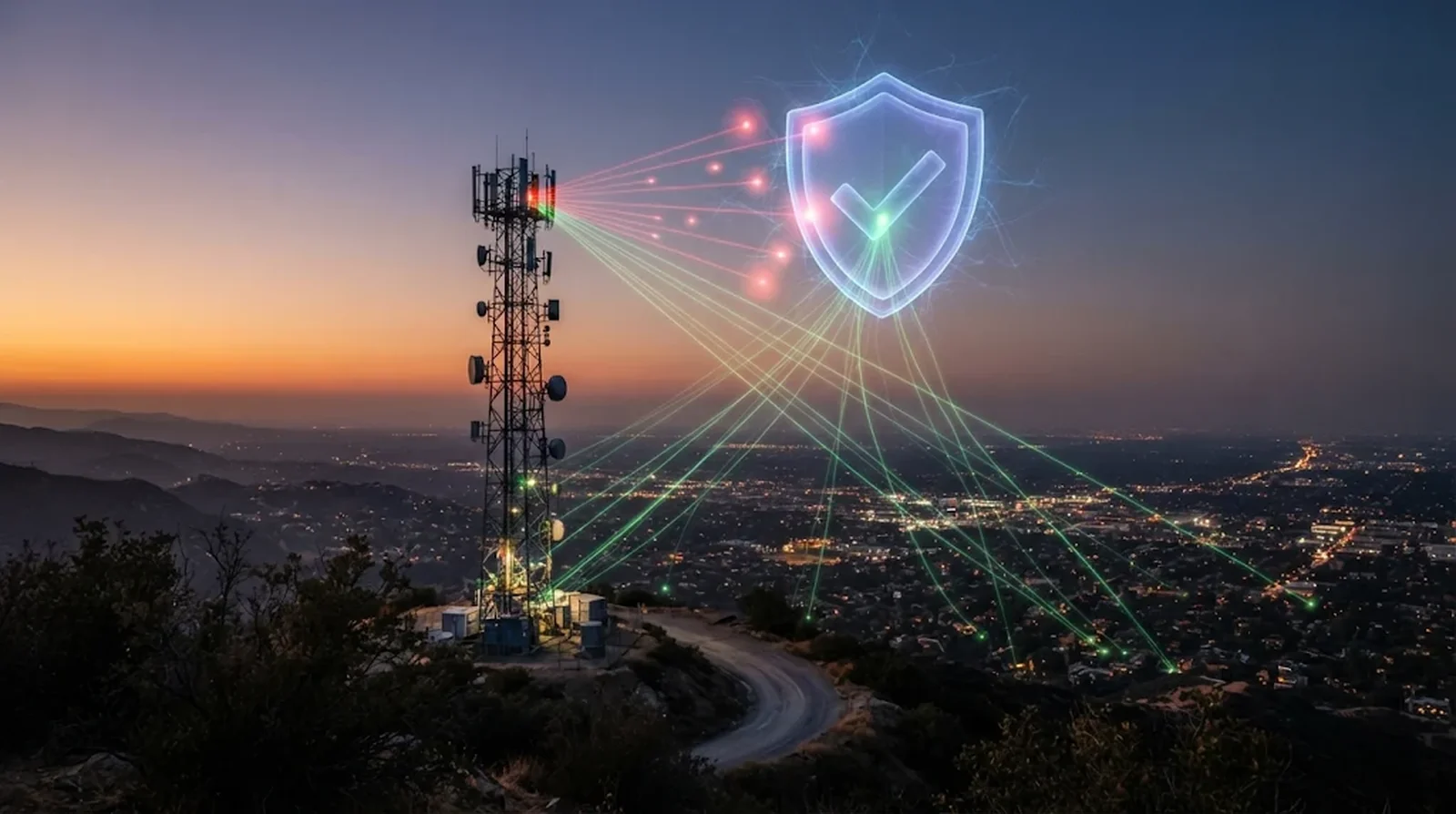
Your carrier can flag suspicious calls or stop some of them before your phone rings. Check the filter level after you turn it on. If there’s a choice between blocking all suspected spam and blocking only high-risk calls, the wider filter can catch more unwanted calls, and it may also catch one you wanted.
Is there a three-digit code that blocks spam calls on every cell phone? No. T-Mobile has a code for its own service, and star codes such as AT&T’s *60 for landlines and *61 for digital home phones are home-phone features.
Start with the free tier on your plan. Verizon lists Call Filter Plus at $3.99 per month per line or $10.99 per month for three or more lines, and AT&T’s ActiveArmor Advanced costs $7 per month per line. T-Mobile also charges for extra Scam Shield features.
How to Do It
On Verizon, start with the free Call Filter service.
- On a compatible phone, open Verizon Protect and find Call Filter. If your device is incompatible, use My Verizon > Services & perks to turn on Call Filter.
- Check Spam Filter and choose how much suspected spam to block. If you use a neighborhood filter, save any numbers you want to hear from that share the blocked prefix.
On AT&T, use the free blocking features in ActiveArmor.
- Install and open ActiveArmor. On iPhone, the app requires iOS 17 or later.
- Turn on Auto Fraud & Spam Call Blocking. In Call Routing Settings, check whether flagged calls are set to be blocked or sent to voicemail.
On T-Mobile, turn on Scam Block to stop calls the network flags as Scam Likely.
- Dial #662# to activate Scam Block.
- If you’re on postpaid, you can also manage Scam Block in T-Life. On prepaid, #436# is the code for Caller ID.
6. Block Repeat Callers and Report Unwanted Calls
Does the same number keep calling? Block it. That works for the number you select, so another call can still get through if the caller uses a different number or changes what appears on caller ID.
Reporting helps beyond your own phone. The FTC releases reported numbers each business day so carriers and other partners can use them to block calls. The FCC uses complaints to guide policy and enforcement.
How to Do It
- On iPhone, open Phone > Recents. Tap the number, or tap Info next to it in Classic view, then select Block Caller. To manage blocked numbers, open Settings > Privacy & Security > Blocked Contacts.
- On Pixel, open the Home tab in Phone. Tap or press and hold the call, then select Block or Report spam. If you flagged a legitimate caller by mistake, open the call in Recents, tap Not spam, then tap Unblock.
- On Samsung Galaxy, open Phone > More options > Settings > Block numbers. Add the repeat caller’s number to the list.
- For an unwanted call with no money lost and no other information about the caller, use the complaint form at DoNotCall.gov. Include the number that called, the number displayed on caller ID even if it looks fake, any callback number, and when the call arrived. If you lost money or have information about who called, use ReportFraud.ftc.gov.
- To file an FCC complaint, go to fcc.gov/complaints and choose Phone > Unwanted calls/texts.
- If you get a spam text, copy it and forward it to 7726 (SPAM). Then block the sender and delete the message. Our guide to the USPS text scam shows what a typical one looks like.
7. Put Your Number on the National Do Not Call Registry
Will the Registry stop a scammer from calling? Scammers can ignore it. The Registry is meant to cut sales calls from real companies that play by the rules. Political, charitable, debt collection, informational, and survey calls can still come through when there’s no sales pitch.
Registration is free for home and mobile numbers. It has no expiration date, and the Registry removes your number if you ask or if the line is disconnected and the number goes to someone else.
How to Do It
- Register at DoNotCall.gov or call 1-888-382-1222 from the phone number you want to add.
- Check your registration through either option. Your number should appear on the Registry the next day.
- Allow up to 31 days for covered sales calls to stop. If they continue after that, use the unwanted-call complaint form in step 6.
8. Remove Your Number From People-Search Sites and Share It Less Often
Can you take your number off a people-search site yourself? Yes, and you can do it for free. You’ll usually need to submit a request to each site, and some ask you to verify your identity. Public records remain available, so a listing can turn up again after you’ve removed it.
Here’s where you can save some work. California residents can send one free request to more than 600 registered data brokers through the state’s DROP platform. For future forms, check how the site shares your information and consider using a separate number when you want to keep your mobile number private.
How to Do It
- Search for your listing and look for the site’s opt-out page. If you can’t find it, search for the site’s name followed by “opt out.”
- Follow the removal prompts and repeat the process on each site where you find your number. Check back periodically. If you’re considering a paid service, ask which sites it covers, whether it tells you where removals succeeded, and how often it checks again.
- If you live in California, submit a free request through the Delete Request and Opt-out Platform, or DROP. It opened January 1, 2026. Since August 1, 2026, registered brokers have had to check for requests at least every 45 days and process them.
- Before entering your mobile number in a form, read the privacy policy and look for a way to opt out of sharing. If you want a separate number, Google Voice offers one free US number with a Google account. A second number costs $20 once, and you can call and text for free within the US and Canada.
- To filter spam on your Google Voice number, open Settings > Security > Filter Spam.
9. Try a Call-Blocking App If Calls Still Get Through
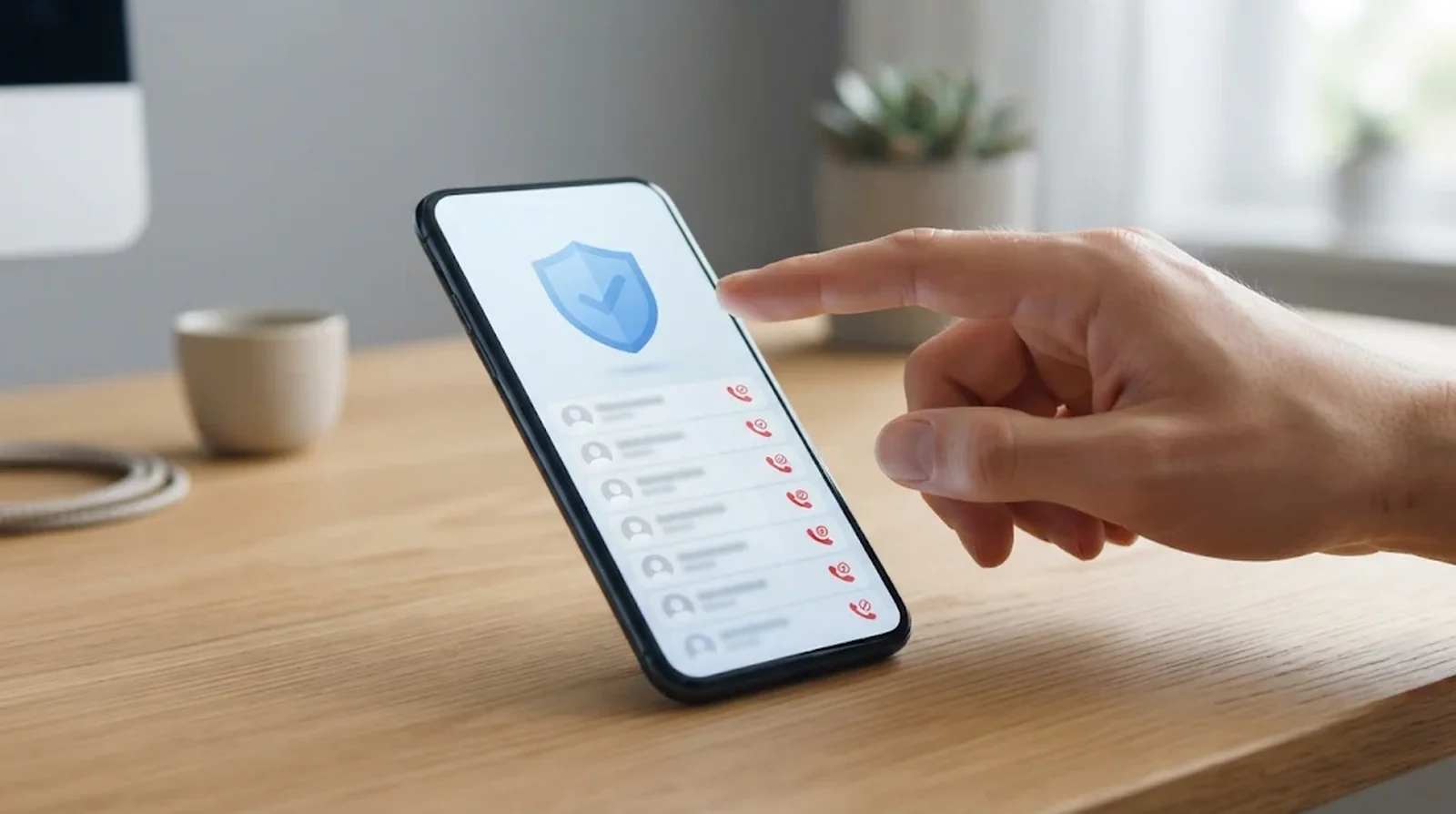
Still getting unwanted calls after turning on your phone and carrier filters? A call-blocking app can give you more control, such as filtering by area code or keeping your own lists of numbers to allow and block. Check which features you get for free before you start a trial or pay for a plan.
| App | Free option | Paid price | Notes |
|---|---|---|---|
| Hiya | Free iPhone download with in-app purchases | $3.99 per month, $9.99 per quarter, or $24.99 per year | These are the listed prices for Hiya Premium. |
| Nomorobo | Free for VoIP home phones, plus a free trial for mobile plans | Nomorobo Max is $4.99 per month. Friends & Family is $6.66 per month or $79.99 per year. | Friends & Family covers up to four devices. |
| RoboKiller | Free download with a free trial | $10.99, $12.99, $79.99, or $89.99 | The US App Store lists these membership prices without billing periods. The service requires a subscription after the trial. |
| Truecaller | Ad-supported number lookup and caller ID for verified businesses on iPhone | US Premium price unspecified | Live caller ID requires Truecaller Premium on iOS 18.2 or later. |
Here’s the catch. An app may ask for access to your contacts, so read its privacy policy before you grant that permission. Check which controls you’ll actually use, especially if you only need to block a handful of repeat callers.
How to Do It
- Pick an app with the controls you want. Check the billing period and trial terms before subscribing.
- Install the app and review the permissions it requests.
- On iPhone, open Settings > Apps > Phone. Tap Call Blocking & Identification, then turn on the switches for the app you installed.
Why Spam Calls Can Use Your Area Code or Even Your Number
Your phone rings from a number that looks almost like yours. Later, a stranger calls to ask why you rang them. What’s going on? Caller ID can be faked, and the number someone puts on the screen can be yours.
When the First Six Digits Look Familiar
Neighbor spoofing can copy your area code and the three digits after it. That’s enough to make you think it could be someone nearby. Let the call go to voicemail if you don’t recognize the full number.
In March 2026, an iPhone 16e user in Apple Community reported getting five to seven spam calls a day despite using AT&T ActiveArmor. Most appeared to come from the user’s area code. Other users suggested neighbor spoofing as a likely explanation.
When Strangers Say You Called Them
In an AT&T Community post, one customer reported getting 70 to 80 calls from people who said they’d received a call from that customer’s number. An AT&T employee attributed it to spoofing. If this happens to you, check your outgoing call history before assuming someone used your phone. If you still have doubts, go through these signs your phone is hacked.
To report it, go to fcc.gov/complaints, select Phone > Unwanted calls/texts, then choose “my own number is being spoofed.” Set a voicemail password too. Some voicemail services may allow access without a password when a call appears to come from your own number.
When a Neighborhood Filter Blocks Real Calls
Verizon’s “Block similar to mine” option in Call Filter can silence calls that share a prefix. You can set up to five neighborhood filters on the free tier and up to ten with Call Filter Plus. Verizon says legitimate calls from a blocked prefix can also be silenced unless you’ve saved those numbers in your contacts.
Before you block a whole prefix, check the risk level on your carrier filter. A Pixel 7 user on Android Central reported getting local-looking spam even with Maximum protection on the phone. The user said switching Verizon’s filter from high-risk only to all spam resolved the problem in their case.
Can You Miss Important Calls When You Silence Unknown Callers?
Yes. A doctor’s office, pharmacy, or delivery driver can call from a number you haven’t saved, and a spam filter can flag a legitimate call. Save the numbers you know and check where your phone puts the calls you miss.
Save Key Numbers and Screen the Rest on iPhone
Add your doctor’s office, pharmacy, and school to Contacts before you turn on screening. If you’re waiting for a callback from a number you haven’t saved, open Settings > Apps > Phone > Screen Unknown Callers and choose Ask Reason for Calling. Your iPhone asks the caller why they’re calling before it rings, so you have some context when you decide whether to pick up.
Silence sends calls from unsaved numbers to voicemail. An Apple Community user described using the screening prompt as a middle ground and said legitimate callers answered it while spam callers hung up. Another user reported relying on voicemail and turning on silencing only as needed.
Review Filtered Calls and Fix Mistaken Labels
On iPhone, open Phone and go to Recents in Classic view or Calls in Unified view. Tap Filter, then check Unknown Callers and Spam. Look in both lists if a callback you expected never rang. If calls from saved contacts don’t ring either, see why your iPhone is not ringing.
On Pixel, Filter spam calls keeps filtered calls in your call history without sending a missed-call or voicemail alert. If you find a legitimate call there, tap it in Recents and choose Not spam. Select Unblock if you also blocked the number. For other missed calls, our guide to a Pixel that’s not ringing can help.
Know Which Callers Your Galaxy Treats as Unknown
What does Block calls from unknown numbers actually block? A Samsung Community reply describes it as a filter for callers who hide their caller ID. A call from a number you haven’t saved can still ring if the number is displayed.
If you want only your contacts to ring through, that reply suggests using Do Not Disturb with an exception for calls from your contacts. Smart Call can also flag a call you wanted. A Galaxy S25+ user on Android Central reported that legitimate calls were flagged with auto-blocking enabled.
Should You Change Your Phone Number?
A different number may help, but a number that’s new to you can come with calls meant for someone else. Before you switch, pay attention to when the calls started and whether callers keep asking for a name you don’t recognize.
A New Number Can Come With Old Calls
Carriers can reassign numbers, so old contact lists can send calls and texts to the next owner. In one week of a Princeton study, 200 recycled numbers received 1,491 calls and texts. If callers keep asking for the same unfamiliar person, they may be trying to reach the previous owner.
The FCC’s Reassigned Numbers Database gives callers a way to check whether a number may have changed hands. A Reddit commenter reported getting spam meant for the previous owner right after switching numbers. That’s one person’s experience, but it shows how quickly old calls can follow a number.
When It Makes Sense to Ask for Another Number
If heavy spam starts as soon as you get a number and lasts more than 48 hours, Gigs advises contacting your carrier. Your carrier may be able to issue another number. Tell them if callers repeatedly ask for someone else.
If strangers keep returning calls you never made, report the spoofing and ask your carrier about your options. An AT&T employee responding to a customer with that problem said the carrier could change the number, with no guarantee it would help.
What to Do If You Already Answered or Spoke to a Scammer
Still on the line? Hang up. What you do next depends on whether you called back, shared financial details, or sent money.
- Leave an unfamiliar one-ring call alone. If the caller claimed to represent a company or agency, look up the official number yourself and use it to check the claim.
- If you already returned a one-ring call, check your phone bill for unexpected toll charges. If a caller tried to record you saying “yes,” look through your utility and credit card bills for charges you didn’t authorize.
- If you shared financial details or sent money, contact your bank or card issuer using the number on your card, statement, or its official website. Review your recent account activity for anything you don’t recognize.
- Report the scam at ReportFraud.ftc.gov if you lost money or have information about the caller. If you lost money, also contact local police.
- Set a strong voicemail password if you haven’t already.
What US Law Says About Spam Calls
What makes a robocall illegal? Federal rules consider how the call was placed, whether it was a sales pitch, and what permission you gave. Separate rules cover how callers use caller ID.
Written Consent, AI Voices, and Opting Out
Under the Telephone Consumer Protection Act, sellers generally need your written consent before making a prerecorded sales call to your home phone or cell phone. The FCC treats AI-generated voices as artificial voices under the same law. Calls using those voices require consent unless an exemption applies.
You can withdraw permission you previously gave by using a reasonable method, such as replying “stop” or “unsubscribe” to a sender you recognize. The FCC delayed until January 31, 2027, the requirement for a sender to apply one opt-out to unrelated automated calls or texts from that same sender.
Do Not Call Rules and Caller ID Penalties
The National Do Not Call Registry restricts covered sales calls. Federal rules also limit telemarketing calls to your home phone to 8 a.m. through 9 p.m. local time. A telemarketer must honor a direct request to stop calling you immediately.
The Truth in Caller ID Act prohibits faking caller ID to commit fraud, cause harm, or obtain something of value wrongfully. A violation can carry a penalty of up to $10,000. A doctor displaying the office number while calling you from a personal phone is an example of lawful caller ID substitution.
What the FTC Recorded in Fiscal Year 2025
The FTC’s fiscal year ended September 30, 2025. Do Not Call complaints rose 25.5% from the previous fiscal year, when the agency recorded 2,085,410 complaints.
| FTC measure | Fiscal Year 2025 |
|---|---|
| Active Do Not Call registrations | 258,515,050 |
| Total Do Not Call complaints | 2,618,077 |
| Robocall complaints | 1,601,611, or 61.2% |
| Live caller complaints | 802,144, or 30.6% |
| Complaints with no call type given | 8.2% |
Debt reduction was the leading complaint topic at 389,560, followed by imposters at 152,764. Medical and prescription calls accounted for another 129,076 complaints. Phone scams hit some groups hard, as our look at why older Americans lost $3 billion to scams shows.
FAQs
Turn on your phone’s spam filter and your carrier’s free blocking tool. Let unfamiliar numbers go to voicemail, and register at DoNotCall.gov to reduce sales calls from companies that follow the rules.
Even if you stay silent, picking up may tell an autodialer that your number is active. If you’ve already answered, hang up without replying or pressing a key.
Yes, when the same number keeps calling. If a spammer switches numbers or fakes a different caller ID, those calls can still get through.
There’s no single code that works across all cell carriers. On T-Mobile, dial #662# to activate Scam Block. Star codes such as *60 and *61 are for home phone services.
Your number may have landed on a new calling list after a data breach, through a data broker, or after you entered it on a quote or contest form. If you recently got the number, some calls may be meant for its previous owner.
Picking up by itself generally doesn’t give the caller access to your phone or bank account. The risk rises if you share a password or verification code, or approve a request the caller sends you. If you shared financial details or sent money, contact your bank or card issuer through its official number.
Final Word
Start with what you can change today. Turn on your phone’s spam filter and your carrier’s free blocking tool, then check that the calls you’re expecting can still reach you.
Register at DoNotCall.gov and report unwanted calls that slip through. When you have a little time, look up your number on people-search sites and use their opt-out forms to remove any listings you find.
Give it a few weeks. Covered sales calls can take up to 31 days to stop after you register. If your phone still rings with unwanted calls, check your filter level before adding another tool.
