




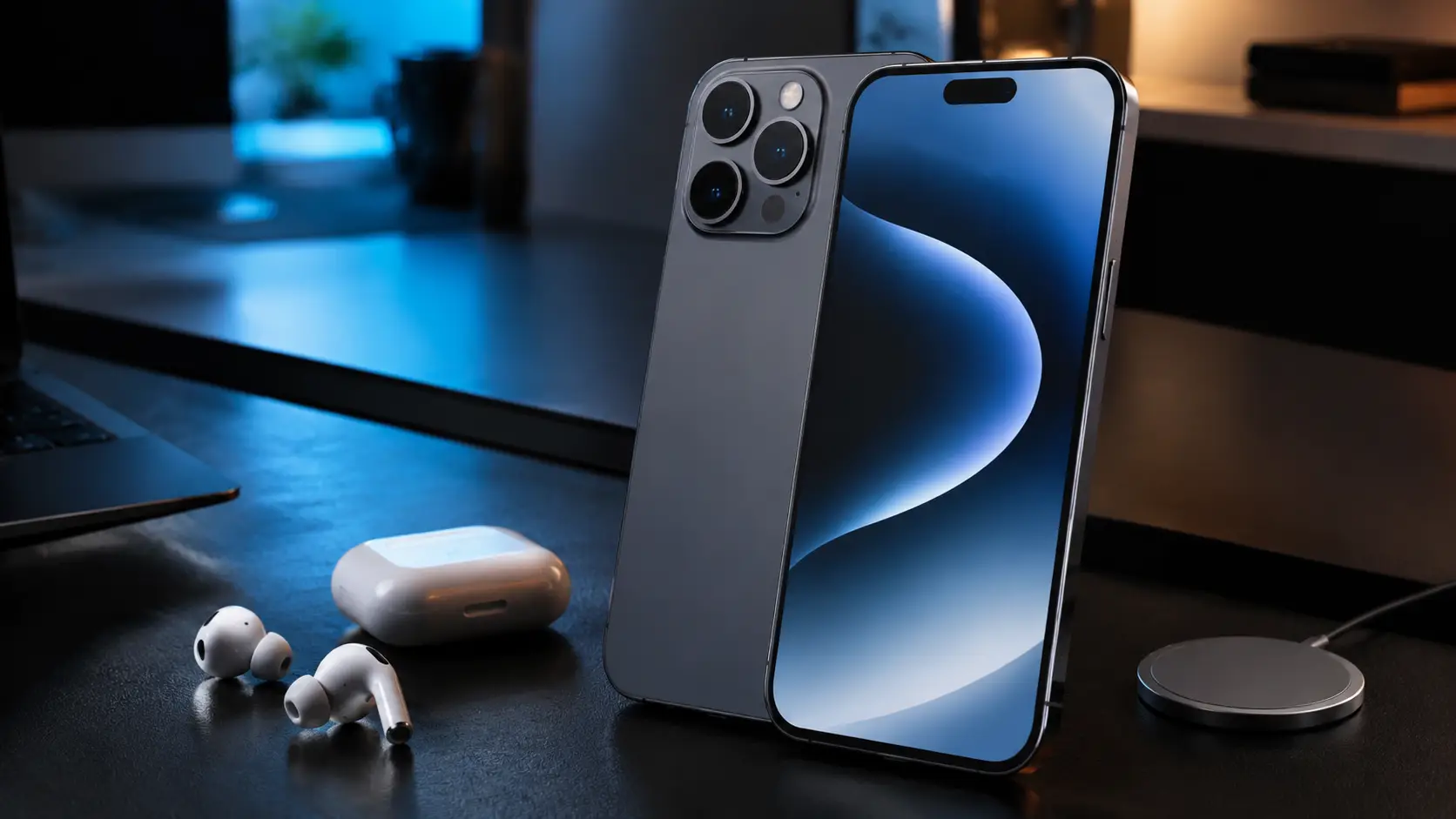
The change from the previous generation to the iPhone 17 Pro Max represents a clear growth in how Apple builds its most capable hardware. With a fresh all-aluminum frame and the internal power of the A19 Pro chip, the device feels lighter yet more capable than any of its predecessors. This hardware foundation provides a base for a mobile experience that prioritizes both raw power and daily utility.
While the physical build is impressive, the actual value of this investment comes from how you use the hidden software options and internal hardware improvements. Owning a pro-level device means more than just having a fast screen or a large battery. It involves understanding how the system handles tasks in the background to make your life easier and your work more efficient.
This guide serves anyone who wants to get the most out of their premium smartphone, from professional creators to daily users. Whether you are a power user looking to optimize every frame of video or a casual owner who wants a reliable tool that lasts all day, these tips provide a clear path to mastery. You will find that small adjustments in how you interact with the interface lead to a much better overall experience.
1. Fine-Tuning the Next-Gen Action Button
Users often encounter a specific issue where the new Action Button feels slightly slow or registers presses when they were not intended. This delay can make the feature feel less responsive than the old physical mute switch it replaced. If you find yourself pressing the button and waiting for a reaction, or if it triggers while the phone is in your pocket, you are seeing a common side effect of the default sensitivity.
To fix this, you should go into the Accessibility portion of your system configuration and look for the Hold Duration option. Reducing this time makes the button react much faster to your touch, giving it a snappier feel that matches the speed of the rest of the phone. Adjusting this slider ensures that the action you want happens exactly when you expect it, rather than after a forced pause.
Moving beyond the basic mute function adds a new layer of utility to the side of your phone. You can map the button to trigger specific Concentration modes or run complex Shortcuts that handle multiple tasks at once. Instead of a single-purpose switch, the button becomes a context-aware tool that changes its behavior based on your current needs, such as opening a work app during the day or a camera at night.
2. Mastering the Advanced Camera Control Interface
The side of the frame now includes a specialized interaction point that does more than just act as a shutter. This area acts as a capacitive surface for gesture-based movement through your camera options. Below are the ways to maximize this interface.
This button is not a simple mechanical switch but a touch-sensitive zone that responds to different levels of pressure and sliding motions. By moving your finger along the surface, you can scroll through various menus without blocking the screen with your hand. This keeps your view of the subject clear while you make small adjustments to how the photo will look.
Light presses allow you to toggle between options like exposure levels, depth of field, and zoom magnification. Instead of tapping the glass repeatedly, you can use these subtle movements to swap between tools in the middle of a shoot. It streamlines the process of getting the right shot, especially when you are trying to capture something that is moving quickly.
If you find that you are taking unintended photos while simply holding the phone in a horizontal orientation, you can change the pressure requirements in the configuration menu. Adjusting how hard you have to press ensures that the camera only triggers when you intend it to. This small change prevents your library from filling up with accidental shots of the ground or your pocket.
3. Accessing the Power of the Triple 48MP Sensor Array
For the first time in the history of the device, every lens on the back of the phone now utilizes a 48-megapixel sensor. This means that whether you use the standard, ultra-wide, or telephoto view, you are getting the same level of resolution and detail across the board. This consistency allows you to crop into any photo later without a major drop in quality.
Many users do not realize that the telephoto lens often uses a 12MP mode by default to help with low-light situations. To get the maximum 48MP detail from that specific lens, you must go into the camera configuration and enable ProRAW. Doing this ensures that the sensor captures every bit of information available, giving you the best possible starting point for editing your images.
High-resolution files take up a lot of space, so you should keep an eye on your available storage when shooting in ProRAW. A good middle ground is to use the HEIF Max format, which provides high detail while keeping file sizes smaller than a full RAW file. This allows you to maintain quality across your library without running out of room for apps and other media during a long trip.
4. Pro-Level Photography with the 40x Combined Zoom
The optical system on this device uses a 4x physical zoom that works together with an 8x sensor-crop to reach much higher magnification levels. This combination allows for clear images at a distance that would have looked blurry or pixelated on older models. By using the center part of the large sensor, the phone creates a high-quality image that bridges the gap between digital and optical zooming.
When you are taking portraits, it is better to use the 4x optical setting rather than zooming in further with the digital tools. This physical focal length creates a natural blur in the background, known as bokeh, which looks much better than the artificial blurring created by software. It gives your photos a professional look that mimics what you would see from a dedicated mirrorless camera.
Keeping the phone steady at 40x magnification can be difficult, but there are built-in tools to help you stay balanced. The system includes an on-screen level and a Tripod Mode that activates automatically when the device detects it is perfectly still. Using these indicators helps you line up distant subjects and reduces the shaking that often ruins long-range photography.
5. Enhancing Longevity with Intelligent Battery Management
The 4823 mAh battery is a substantial power source, but how you charge it determines how long it will stay healthy over the years. In the battery health configuration, you can set a limit that stops the charging process at 80%. This prevents the chemical aging that happens when a battery sits at 100% for long periods, which helps the device hold a charge better as it gets older.
A new feature called Adaptive Power works in the background to learn your daily habits and manage energy use. It looks at when you typically use demanding apps and when the phone is usually idle, slowing down background tasks during those quiet times. This method helps the phone stay powered through the end of the day without requiring you to manually toggle low-power mode.
Using the right charger is also a major factor in keeping the battery in good condition over time. High-wattage chargers are convenient for quick bursts of energy, but they also generate heat that can damage the internal components. For overnight charging, using a lower-wattage plug is a safer choice that protects the hardware from heat-related wear and tear.
6. Maximizing the “Liquid Glass” Visual Experience
The arrival of iOS 26 brings a new visual style called Liquid Glass, which moves away from the flat looks of previous years. This interface uses depth and transparency to make the screen feel like a physical object rather than a flat piece of glass. It changes how buttons look and how windows move, creating a more tactile experience as you move through your apps.
One of the biggest changes in this version is the ability to place icons anywhere on the screen, leaving gaps wherever you want. This allows you to frame your wallpaper perfectly, ensuring that important parts of your background images are not covered by apps. You can arrange your most-used tools at the bottom or sides of the screen for easier access while keeping the center clear.
To match the new system style, you can apply a depth-based theme to your app icons. This glass effect makes the icons appear to float above the wallpaper, adding to the three-dimensional feel of the home screen. It is a simple way to make your device look modern and cohesive, matching the premium hardware with a sophisticated software look.
7. Customizing the Refined Always-On Display
The Always-On display is a helpful tool for checking the time and alerts, but it can use more energy than some users prefer. You can find a balance by choosing between a full-color version that shows your wallpaper and a minimal version that only displays text. Selecting the minimal option keeps the information you need visible while saving as much battery life as possible.
Choosing the right widgets for your lock screen is another way to make this display more useful. Because the Pro Max has so much screen area, you can fit multiple data points like weather, calendar events, and fitness goals in one view. Picking widgets that provide information at a glance reduces the number of times you have to wake the phone and open specific apps.
The screen uses ProMotion technology to drop its refresh rate to just 1Hz when the Always-On mode is active. This ensures that the display uses very little power while it is just showing static information. When you start scrolling, the rate immediately jumps back up to 120Hz, providing the smooth movement that users expect from a high-end device.
8. Utilizing the Streamlined Dynamic Island & Live Tiles
The area at the top of the screen is now smaller than before because more of the face-sensing technology is hidden under the glass. This smaller footprint gives you more usable space for your content while still providing a place for system alerts to live. It feels less intrusive when you are watching videos or playing games, yet it remains a central part of how you interact with the phone.
A feature called Live Tiles allows you to see real-time updates for things like sports scores, ride-share arrivals, or flight statuses directly from the top of the screen. Instead of checking a specific app, you can just glance at the island to see how much time is left or where your driver is. This keeps you informed without forcing you to stop what you are doing in another program.
You can also use long-press gestures on the island to control media or timers without having to leave your current application. This makes it a multi-tasking hub where you can pause music or reset a countdown with a quick touch. It turns a static part of the screen into a functional tool that saves you from constantly switching between different windows.
9. Immersive Media Creation: Dual-Video and Spatial Photos
The internal A19 Pro chip is powerful enough to handle two high-resolution video streams at the exact same time. This allows you to record from the front-facing camera and the rear lenses simultaneously, which is great for interviews or reaction videos. The system processes both streams without any lag, ensuring that the audio and video stay perfectly synced in the final file.
If you use the Apple Vision Pro, you will appreciate the ability to capture 3D Spatial Photos and videos. These files use the cameras on the back of the phone to record depth information, creating a realistic sense of space when viewed in a headset. It is a way to preserve memories that feel much more alive and immersive than a standard two-dimensional picture.
For those who take filmmaking seriously, the device supports ProRes Log recording, which captures a flat image with a lot of data for color grading. Because these files are very large, you can use the USB-C port to record directly onto an external storage drive. This allows you to shoot for long periods at the highest possible quality without filling up the internal memory of your phone.
10. LiDAR Productivity and Security Improvements
The sensors on the back of the phone include a high-grade LiDAR unit that can be used for professional tasks like scanning a room. By using the Measure app, you can create a 3D floorplan of your home or office in just a few minutes. The sensor is accurate enough to give you real-world dimensions, making it a valuable tool for interior design or construction projects.
This sensor also makes augmented reality gaming feel much more realistic by helping digital objects interact with your furniture. Instead of characters floating in the air, they will appear to stand on your floor or hide behind your couch. This grounding effect makes AR experiences more believable and engaging, as the phone understands the physical layout of the world around it.
Security is just as important as productivity, so you should take a moment to change your lock screen preferences. By disabling the Control Center when the phone is locked, you prevent someone else from turning on Airplane Mode or changing your configuration if your phone is lost. This simple change ensures that your device remains reachable and your data stays protected from unauthorized access.
Final Recommendations
The iPhone 17 Pro Max is a very capable machine that functions as both a communication device and a professional tool. By adjusting the buttons, cameras, and battery settings, you move beyond the basic experience and start using the full potential of the hardware. These small changes make the device feel more personal and better suited to the way you work and live.
Technology should serve your needs, so do not be afraid to change the default configurations to match your individual lifestyle. Whether you prefer a minimal screen to stay focused or a high-resolution camera setup for your creative projects, the phone is flexible enough to accommodate you. Taking the time to set it up correctly early on will save you a lot of effort in the future.
To keep the device running well, you should stay up to date with the latest software releases. Each update often brings new optimizations for the A19 Pro chip and the Liquid Glass interface, ensuring that the system stays fast and secure. Regular maintenance and a few smart adjustments will ensure that your investment continues to provide value for a long time to come.
