




Key Takeaways
- Buy PS5 Pro: Choose the PS5 Pro over the Steam Machine if you want demanding console games with less adjustment. You get stronger graphics performance, 2TB of storage, an included DualSense and access to GTA 6 at a lower starting price.
- Compare Total Costs: Steam Machine costs $1,128 with a controller versus $899.99 for PS5 Pro, which adds $79.99 annually for paid-game multiplayer but delivers stronger graphics and GTA 6. On November 24, Valve’s 512GB model is available, PS5 Pro stock scarce, and neither discounted for Black Friday.
- Consider Your Library: Choose the Steam Machine if you already own many Steam games and want TV play without online fees. Check SteamOS compatibility because Valorant and GTA Online are blocked, and consider the $599.99 PS5 Digital Edition if price matters most.
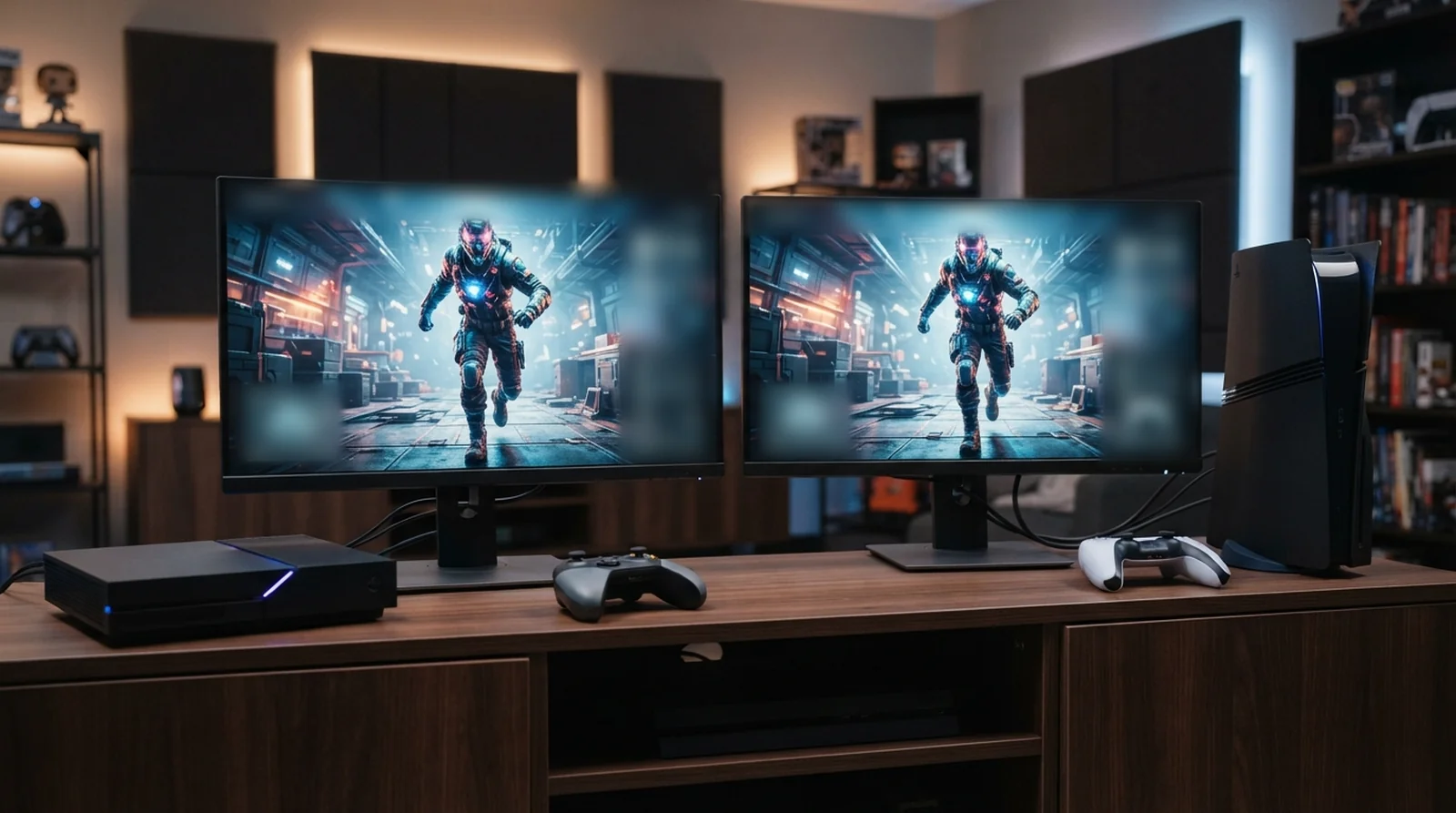
The Steam Machine vs PS5 Pro decision got awkward on November 19. Valve opened direct orders for its 512GB PC on the same day GTA 6 arrived on consoles. Meanwhile, PS5 Pro stock is thin, and Sony has skipped console discounts this Black Friday.
For most people who want great-looking console games, the PS5 Pro is the better buy. At $899.99, it costs about $150 less than the $1,049 Steam Machine, includes a controller, delivers stronger performance in demanding games, and runs GTA 6.
Valve’s box makes more sense if you already own plenty of Steam games, want PC games on your TV without an online subscription, or mostly play older releases and indies. As of November 24, neither machine has an official discount. So which one earns its place under your TV?
Steam Machine vs PS5 Pro at a Glance
You get two very different ways to play on your TV. Start with the hardware and costs, then look at what those differences mean for your games.
| Feature | Steam Machine 512GB | Steam Machine 2TB | PS5 Pro |
|---|---|---|---|
| Price | $1,049 | $1,349 | $899.99 MSRP |
| Controller | $79 extra in bundle | $79 extra in bundle | DualSense included |
| CPU | Zen 4, 6 cores and 12 threads, up to 4.8GHz | Same as 512GB | Zen 2, 8 cores and 16 threads |
| GPU | RDNA 3, 28 compute units | Same as 512GB | About 60 compute units, 16.7 TFLOPS |
| Memory | 16GB DDR5 and 8GB graphics memory | Same as 512GB | 16GB GDDR6 and 2GB DDR5 |
| Storage | 512GB NVMe and microSD slot | 2TB NVMe and microSD slot | 2TB SSD |
| Upscaling | FSR | FSR | PSSR |
| Disc drive | None | None | $79 optional drive |
| Video output | HDMI 2.0 with 4K/120 support, DisplayPort 1.4 | Same as 512GB | HDMI, version unconfirmed here |
| Online fee | None | None | Essential costs $79.99 annually |
| Stock on November 24 | Direct ordering available | Unavailable, waitlist closed | Unavailable at PlayStation Direct |
You see, the Steam Machine is a compact PC running SteamOS, while the PS5 Pro is a console built around supported hardware and games. A newer CPU design alone does not tell you which will deliver better results on your TV.
What Each One Really Costs You
The shelf price gives you only part of the bill. Add a controller, online multiplayer and enough storage before deciding which fits your budget.
Sticker Price and the Controller Gap
The $1,049 Steam Machine comes without a controller. Choose the Steam Controller bundle and your total becomes $1,128, compared with $899.99 for a PS5 Pro with a DualSense.
That puts the controller-inclusive difference at about $228. If you buy physical PlayStation games, add the $79 disc drive, which was also unavailable at PlayStation Direct on November 24.
Online Fees Over Three Years
PlayStation Plus Essential costs $79.99 annually, so three years of paid online multiplayer adds $239.97. Most free-to-play games, including Fortnite, Apex Legends and Warzone, do not require that subscription.
Steam charges no platform subscription for online multiplayer, which changes the comparison over time. Three years takes the PS5 Pro total to $1,139.96, slightly above the 512GB Steam Controller bundle, but below the equivalent 2TB bundle at $1,428.
Storage You Will Actually Need
A 512GB drive can feel small once you start installing large games. BGR puts Baldur’s Gate 3 at roughly 150GB, while GTA 6 needs around 210GB on consoles, showing how quickly games of that size consume space.
The PS5 Pro includes 2TB, with some capacity reserved for system files, while Valve’s unavailable 2TB model costs $1,349 before a controller. You can use microSD on the Steam Machine, although BGR’s owner roundup describes longer loading from removable or external storage. If your console is already crowded, our guide to making room for GTA 6 covers your options.
No Black Friday Discount on Either
Neither machine has an official Black Friday price cut as of November 24. Before you wait for a cheaper checkout total, check what the announced offers actually cover.
Sony’s November 16 to 30 promotion takes $20 off DualSense controllers and $100 off PS VR2, with no console offer matching last year’s $100 PS5 Pro reduction. Valve has announced no Steam Machine discount and warns that memory and storage costs could affect prices, with another 2TB supply update expected in January 2027. Check when Black Friday tech deals start, and compare any third-party listing against retail prices before paying a scalper’s premium.
Where the PS5 Pro Wins
If your priority is demanding new games on a large TV, Sony has the stronger case. Here is where the hardware and console support make a difference.
Much Stronger in Big-Budget Games
The PS5 Pro has roughly 60 GPU compute units against the Steam Machine’s 28, alongside PSSR upscaling. Tom’s Hardware measured Valve’s box at 20fps in native 4K Red Dead Redemption 2 at Medium and 30fps in Forza Horizon 6 at 4K Ultra, placing more realistic expectations around 1080p to 1440p.
Tom’s Guide’s RTX 5060 PC comparison reinforces that limit. Steam Machine results were 36 versus 82fps in Black Myth Wukong at 1080p Medium, 17.7 versus 45.4fps in Cyberpunk 2077 at 1080p RT Ultra, 50 versus 101fps in Forza at 1080p Ultra, and 22 versus 31fps in Red Dead Redemption 2 at 4K Medium.
GTA 6 and PlayStation Exclusives
Want GTA 6 today? You need a PS5 or Xbox Series X or S, because Rockstar has announced no PC edition, and the suggested first-quarter 2027 arrival remains unconfirmed.
Sony also lists Marvel’s Wolverine, Stellar Blade and Horizon Forbidden West among its Pro-enhanced games. Before buying for Rockstar’s game alone, read about GTA 6 console performance and whether the PS5 Pro is worth buying just for GTA 6.
Plug In and Play
The PS5 Pro asks less of you before you start playing. You get a DualSense in the box and avoid SteamOS compatibility checks or manually correcting PC resolution choices.
Tom’s Hardware found that the Steam Machine defaults to 1080p, with many games requiring changes to output at 4K. If you want fewer adjustments between downloading and playing, that difference matters.
Where the Steam Machine Wins
Valve’s strongest argument starts with the games you already own. Look at your Steam account and the freedom you want from a living-room PC.
Your Existing Steam Library on the TV
Already bought years of Steam games? The Steam Machine gives you a way to play compatible purchases on your TV without buying PlayStation copies.
PCWorld estimates that Proton runs about 90 percent of Steam titles well, although that is no promise for every game in your account. You also get desktop mode, emulators and access to other launchers, giving you more uses beyond the Steam interface.
No Subscription for Online Play
You do not pay Steam an annual fee to access online multiplayer. If you regularly play compatible paid multiplayer games, that saving carries on after the hardware purchase.
Compatibility is the catch, since Valorant, Destiny 2 and Battlefield 6 do not run under SteamOS because of anti-cheat restrictions. GTA Online is also blocked on SteamOS by Rockstar’s BattlEye implementation, although GTA V story mode remains playable.
Small, Quiet and Open
The Steam Machine is roughly a six-inch cube, making it easy to place beside a TV. Tom’s Hardware found its 120mm fan difficult to hear even during benchmark testing.
You can access the SSD and install Windows, but do not assume every repair will be easy. Dual-boot is unsupported, and iFixit’s RAM replacement instructions stretch across 49 steps, so the compact case comes with compromises.
Problems Owners Report With the Steam Machine
Reviews and BGR’s roundup of owner complaints describe some rough edges beyond price. Check these before deciding whether you are comfortable with the extra adjustments.
Sleep and Wake Glitches
Some owners describe missing HDMI output or audio after waking the Steam Machine. Others have encountered games that fail to start after resuming, making a quick return to play less dependable.
BGR identifies firmware 108 as the fix for those wake and CPU problems. You can check for it through Settings > System > Hardware Updates before troubleshooting individual games.
Only 8GB of Graphics Memory
The Steam Machine’s 8GB of graphics memory can restrict texture choices in newer releases. If you expect to select the highest options simply because your TV supports 4K, you may need to lower your expectations.
Valve revised its earlier 4K messaging to describe output up to 4K using FSR 4.1. Treat that as an upscaling capability, since the review results show demanding games struggling when rendered natively at that resolution.
Games That Think It Is a Steam Deck
Tom’s Hardware found games that identify the Steam Machine as a Steam Deck. Those games can load handheld presets instead of choices better suited to a TV.
You may therefore need to adjust resolution and graphics options yourself. The Steam Verified badge is not a promise of 4K performance either, since its requirement is 30fps at 1080p.
Who Should Buy Which
Your most-played games should decide this purchase before the hardware specifications do. Match your habits to these buyer types, then check availability at the listed price.
Get the PS5 Pro If You Want GTA 6 and Big Releases
Buy the PS5 Pro if GTA 6 and demanding console releases are your main reasons for upgrading. Its stronger graphics hardware, PSSR and included controller make the better case for image quality per dollar.
You also get 2TB of storage without moving to a more expensive model. Budget for PlayStation Plus if you need online multiplayer in paid games, and check stock before committing to accessories.
Get the Steam Machine If Steam Is Already Home
Choose the Steam Machine if your Steam library already contains most of what you want to play. Indies, older releases, emulation and compatible multiplayer without a subscription give you clearer reasons to accept the price.
Steam Deck owners may particularly value a dedicated TV machine with familiar software. Just check your essential games first, since a large library means little if your regular multiplayer title cannot run.
Consider Something Else If Price Matters Most
You do not have to spend $900 or more to play on your TV. The PS5 Digital Edition costs $599.99, while GamesRadar lists the GMKTec K8 Plus at $729.99 with 16GB of memory and a 1TB drive as a cheaper compact PC option.
For 1080p PC gaming, compare that mini PC carefully against your chosen games, or consider an RTX 5060-class prebuilt for more graphics power. Our guide to choosing the right game console can help you decide whether either premium box suits your needs.
If you want GTA 6 and stronger blockbuster performance, the PS5 Pro is the better purchase. Choose the Steam Machine when bringing an existing Steam library to your TV matters enough to justify its higher starting price and compatibility checks.
Before Black Friday weekend, check current stock and compare every offer with the official retail price. Scarcity does not make either machine worth an inflated reseller bill, especially when neither has an announced console discount.
FAQs
You cannot currently play GTA 6 on the Steam Machine because Rockstar has released it only for PS5 and Xbox Series X and S. There is no announced PC edition. A suggested PC release in the first quarter of 2027 remains unconfirmed. Avoid buying Valve’s machine on the assumption that this date is guaranteed.
You should not count on a price reduction after Black Friday. Valve engineers have expressed little confidence in a near-term cut, and the company has warned that supply costs could affect pricing. That warning does not confirm a price rise either. January 2027 is the next promised update on additional 2TB supply, rather than a confirmed sale date.
You do not need a Steam platform subscription for online multiplayer. That removes the recurring charge you would otherwise face for most paid multiplayer games on PlayStation. You still need to check whether each game works with SteamOS. Anti-cheat restrictions block titles including Valorant, Destiny 2 and Battlefield 6.
The 512GB model can suit you if you keep a small selection installed, particularly older games and indies. Large releases can consume much of that capacity, with Baldur’s Gate 3 reaching roughly 150GB. You can add microSD storage rather than keep everything on the internal SSD. Expect a loading-time trade-off, as described in BGR’s owner roundup.
You are shopping during a period of strong console demand following GTA 6’s November 19 launch. PlayStation Direct listed the PS5 Pro as unavailable on November 24, while coverage describes shrinking US stock and widespread UK shortages. That does not mean every retailer has sold out. Check retailer stock against the $899.99 MSRP before accepting a third-party markup.
You can install Windows on the Steam Machine, and Windows drivers arrived after launch. That gives you another operating-system option when SteamOS compatibility blocks a game. Valve does not support dual-boot, so keeping both systems available is not an officially supported setup. Check your chosen game’s requirements before assuming a Windows installation will solve every compatibility problem.
The Steam Machine can make sense if you want a stronger, dedicated TV box for your existing Steam purchases. Tom’s Hardware regarded it as a worthwhile upgrade for Steam Deck owners, while questioning its value for buyers seeking maximum graphics performance. Your decision depends on whether you want another stationary machine or would rather keep spending on a handheld. Our ROG Xbox Ally X and Steam Deck OLED comparison can help you assess that choice.
