




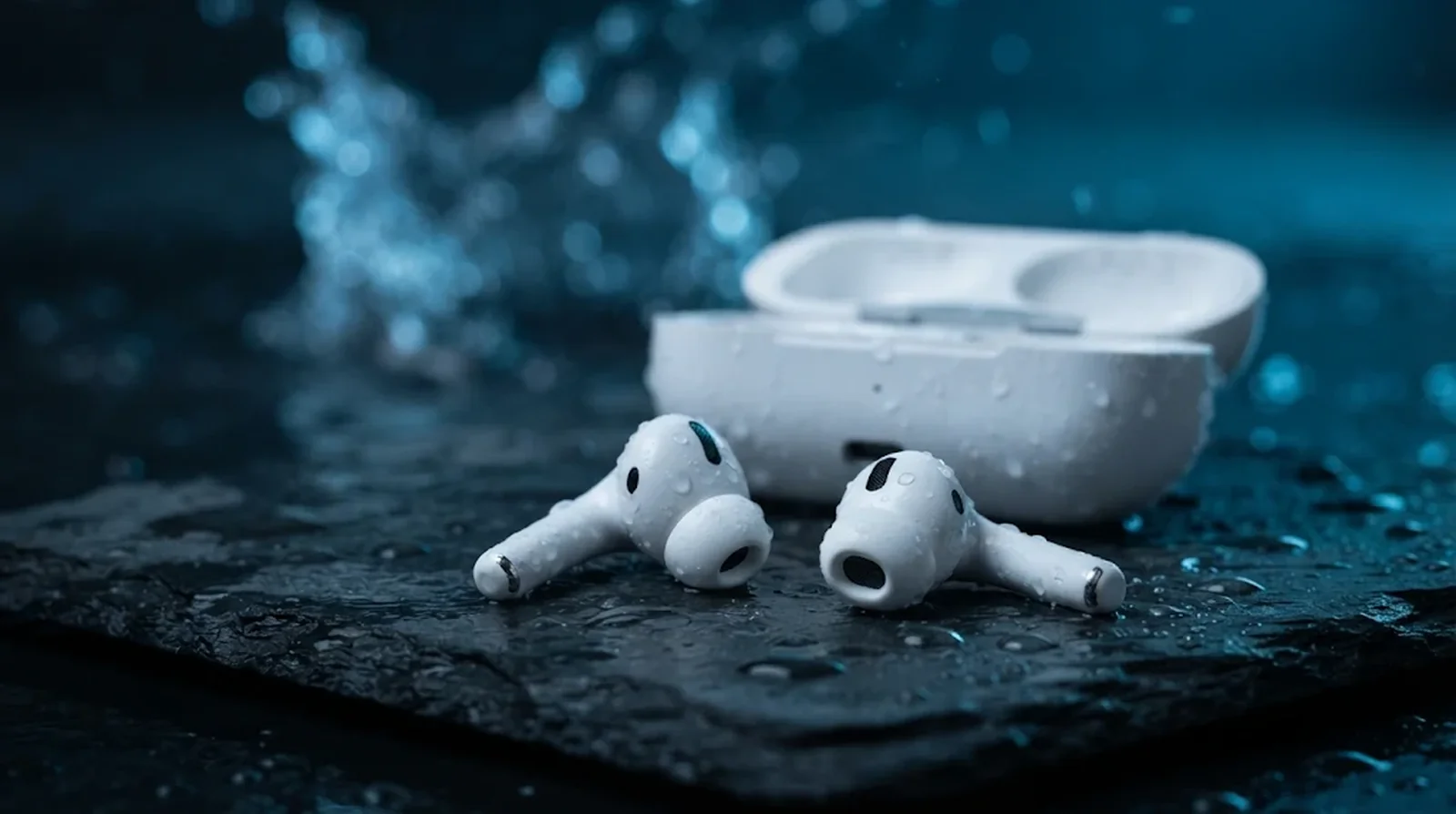
Key Takeaways
- AirPods Water Ratings: No AirPods are waterproof. AirPods 3, Pro 1 and Lightning Pro 2 carry IPX4, AirPods 4 and USB-C Pro 2 carry IP54, and AirPods Pro 3 and AirPods 5 carry IP57, while AirPods Max and the first two AirPods generations have no rating.
- Dry Before Testing: Retrieve wet AirPods, wipe with a lint-free cloth, keep earbuds outside the charging case, and allow at least two hours for complete drying. Dry the case, clean designated meshes if needed, then test sound, microphones and charging.
- Avoid Further Damage: Keep AirPods away from showers, swimming and washing machines, and avoid rice and heat. Sweat and water resistance weakens with wear; if faults persist, contact Apple or use AppleCare+ for accidental liquid damage at $29 per incident plus tax.
Your run turns rainy, your gym session gets sweaty, or your AirPods stay in a pocket when the laundry starts. So, are AirPods waterproof? No AirPods model is waterproof, although several generations have sweat and water resistance that can help with certain wet accidents.
Here’s the thing. The AirPods name alone does not tell you how much protection you have, and neither does the price. Your earbuds and charging case can even have different protection, so checking one without the other leaves you with only half the answer.
The newer AirPods Pro 3 and AirPods 5 offer better resistance to accidental immersion than earlier generations, but that does not make them swimming headphones. Meanwhile, AirPods Max give you no water resistance to rely on, despite sitting at the expensive end of the range. That distinction matters whether you are buying a pair for workouts or deciding what to do after a spill.
We’ll walk through each model’s rating, the situations you should avoid, and the steps to take when your AirPods get wet. You’ll also learn where washing machine accidents, sweat damage, and Apple’s warranty fit into the decision.
Water Resistance and Waterproofing Mean Different Things
Water resistant sounds reassuring, doesn’t it? It describes protection under particular conditions, rather than permission to expose your AirPods to any amount of water. Apple describes its rated models as resistant to sweat and water without promising that they are sweatproof.
Your AirPods water resistance rating follows IEC 60529, the standard behind the IP code. The first position describes protection against solids such as dust, and the second describes water protection. An X means that no rating is specified for that category, so IPX4 does not tell you how much dust protection you have.
| Rating | Dust | Water | What it means for you |
|---|---|---|---|
| IPX4 | No dust rating specified | Splashes from any direction | Your protection concerns splashes, rather than immersion |
| IP54 | Limited dust entry is permitted if operation remains unaffected | The same splash category as IPX4 | You gain a dust rating without a higher water rating |
| IP57 | The same dust category as IP54 | Temporary immersion at a maximum depth of 1 meter for up to 30 minutes | You have a higher immersion rating under controlled test conditions |
Here’s the catch. The immersion test uses still, fresh water in a laboratory, rather than soapy water, seawater, steam, or forceful water jets. Resistance can also decline with everyday wear, and Apple cannot retest or reseal your AirPods or case to restore that protection.
Compare Water Ratings Across Every AirPods Model
Before you judge your pair, check the generation and the charging connector. AirPods Pro 2 with Lightning and AirPods Pro 2 with USB-C have different ratings, even though both carry the same generation name. The original AirPods Pro also deserve attention because their earbuds have a rating that their cases lack.
The table separates the headphones from the case so you can check both. Where a launch date is not listed, use the model name and connector to find the relevant row.
| Model | Launched | Rating | Charging case |
|---|---|---|---|
| AirPods, first generation | 2016 | No published rating | No published rating |
| AirPods, second generation | 2019 | No published rating | No published rating |
| AirPods Pro, first generation | Date not listed | IPX4 | Wireless and MagSafe cases have no sweat or water resistance |
| AirPods 3 | 2021 | IPX4 | IPX4 for Lightning and MagSafe cases |
| AirPods Pro 2, Lightning version | September 2022 | IPX4 | IPX4 |
| AirPods Pro 2, USB-C version | Late 2023 | IP54 | IP54 |
| AirPods 4 | Date not listed | IP54 | IP54 for the USB-C case |
| AirPods 4 with ANC | Date not listed | IP54 | IP54 for the Wireless Charging Case |
| AirPods Pro 3 | September 19, 2025 | IP57 | IP57 for the USB-C MagSafe case |
| AirPods 5 | September 18, 2026 | IP57 | IP57 |
| AirPods 5 with Wireless Charging Case | September 18, 2026 | IP57 | IP57 |
| AirPods Max | Date not listed | No water resistance | Smart Case has no water resistance |
| AirPods Max 2 | Announced March 16, 2026, with deliveries beginning in early April | No published dust, sweat, or water rating | Smart Case has no water resistance |
Want the most water-resistant AirPods? AirPods Pro 3 and both AirPods 5 versions share that position, with US starting prices of $249 for Pro 3 and $129 or $149 for AirPods 5, depending on the case. AirPods Max 2 starts at $549 without giving you a water rating, so a higher price does not buy better protection from moisture.
Which Wet Situations Your AirPods Can Handle
A sweaty workout and a shower can both leave your AirPods wet, but Apple treats them differently. Rated earbuds are intended for exercise and sports away from water, while swimming and showering remain activities to avoid. That guidance applies even when your pair has the higher immersion rating.
| Situation | AirPods Pro 1, Pro 2, AirPods 3 and AirPods 4 | AirPods Pro 3 and AirPods 5 | AirPods Max |
|---|---|---|---|
| Sweat during gym sessions or running | Within intended use | Within intended use | No sweat resistance to rely on |
| Light rain and incidental splashes | Consistent with splash resistance | Consistent with rated use | Keep away from moisture |
| Brief accidental immersion in fresh water | Apple advises against submerging these models | Within the controlled immersion limits described earlier | No immersion protection |
| Showering or exposure beneath a faucet | Avoid | Avoid | Avoid |
| Swimming | Avoid | Avoid | Avoid |
| Washing machine or dryer | Avoid | Avoid | Avoid |
| Sauna or steam room | Avoid | Avoid | Avoid |
| Forceful water exposure, such as water skiing | Avoid | Avoid | Avoid |
You see, the liquid itself matters too. Apple warns that soap, shampoo, conditioner, detergent, lotion, perfume, solvents, sunscreen, insect repellent, oil, hair dye, acids, and acidic foods can harm water seals and acoustic membranes. Your rating does not give you permission to expose your earbuds to those substances.
Physical damage deserves care as well, since Apple tells you to avoid dropping your AirPods or subjecting them to impacts. Treat a higher rating as protection for certain accidents, rather than a reason to test your pair in water. If your AirPods do get wet, what you do before using or charging them again matters.
What to Do When Your AirPods Get Wet
Act fast if your AirPods fall into water, then work through these steps in order. Get them out, deal with the moisture, and leave testing until they have dried.
Here’s the thing. Your earbuds and charging case both need attention if both got wet. Even a rated case should stay away from charging equipment while damp, so resist the urge to plug everything in to see whether it survived.
1. Remove Your AirPods From the Liquid
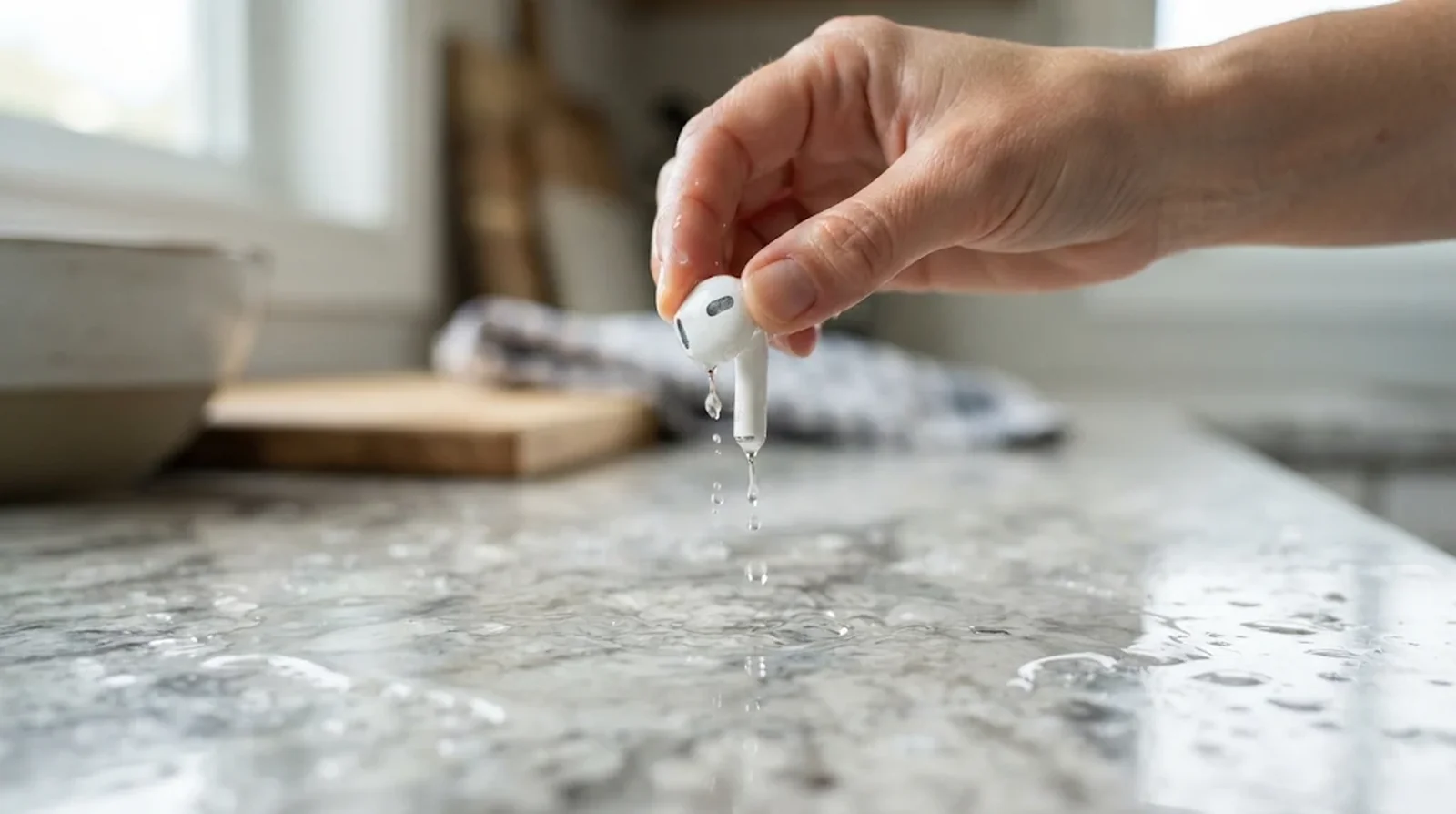
Your first job is to retrieve your AirPods immediately. Whether you dropped one earbud or the entire case, get the affected pieces out of the liquid before doing anything else.
Still hearing music? Stop playback and disconnect your AirPods from the paired device. Apple’s drying guidance requires waiting before using wet earbuds, so this is not the time to test their sound. Did your phone take a dunk too? Here’s how to get water out of your phone safely.
How to Do It
- Retrieve the earbuds and case from the liquid.
- Stop any audio playing through your AirPods.
- Disconnect the Bluetooth connection on your paired device.
- Move on to wiping the exterior.
2. Wipe the Exterior Dry
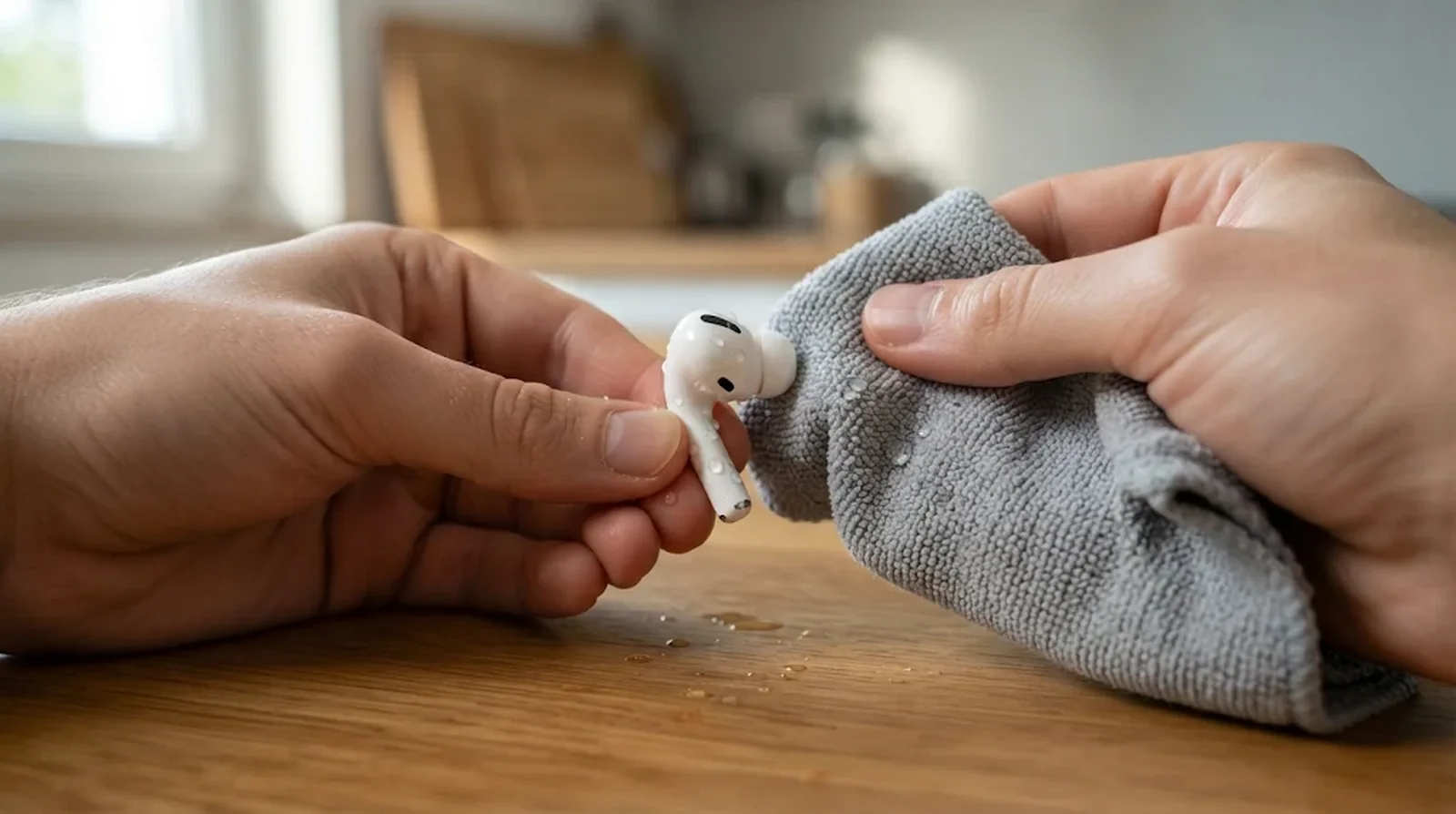
Use a soft cloth that is dry and leaves no lint to remove moisture from the outside. This applies after a spill, but it also matters after heavy sweating or splashes during exercise.
What if your earbuds have shampoo, sunscreen, or another contaminant on them? Apple’s cleaning instructions allow you to wipe the earbud housing with a cloth barely moistened with fresh water, then dry it. That means wiping the exterior, rather than rinsing the complete earbuds beneath a faucet.
How to Do It
- Wipe moisture from the outside of each earbud with a dry, lint-free cloth.
- If the earbud housing has residue from a contaminant, wipe it with another cloth lightly moistened with fresh water.
- Follow with a dry cloth.
- Wipe the case exterior dry if it also got wet, then follow the case instructions in step five.
3. Keep Wet AirPods Out of the Case
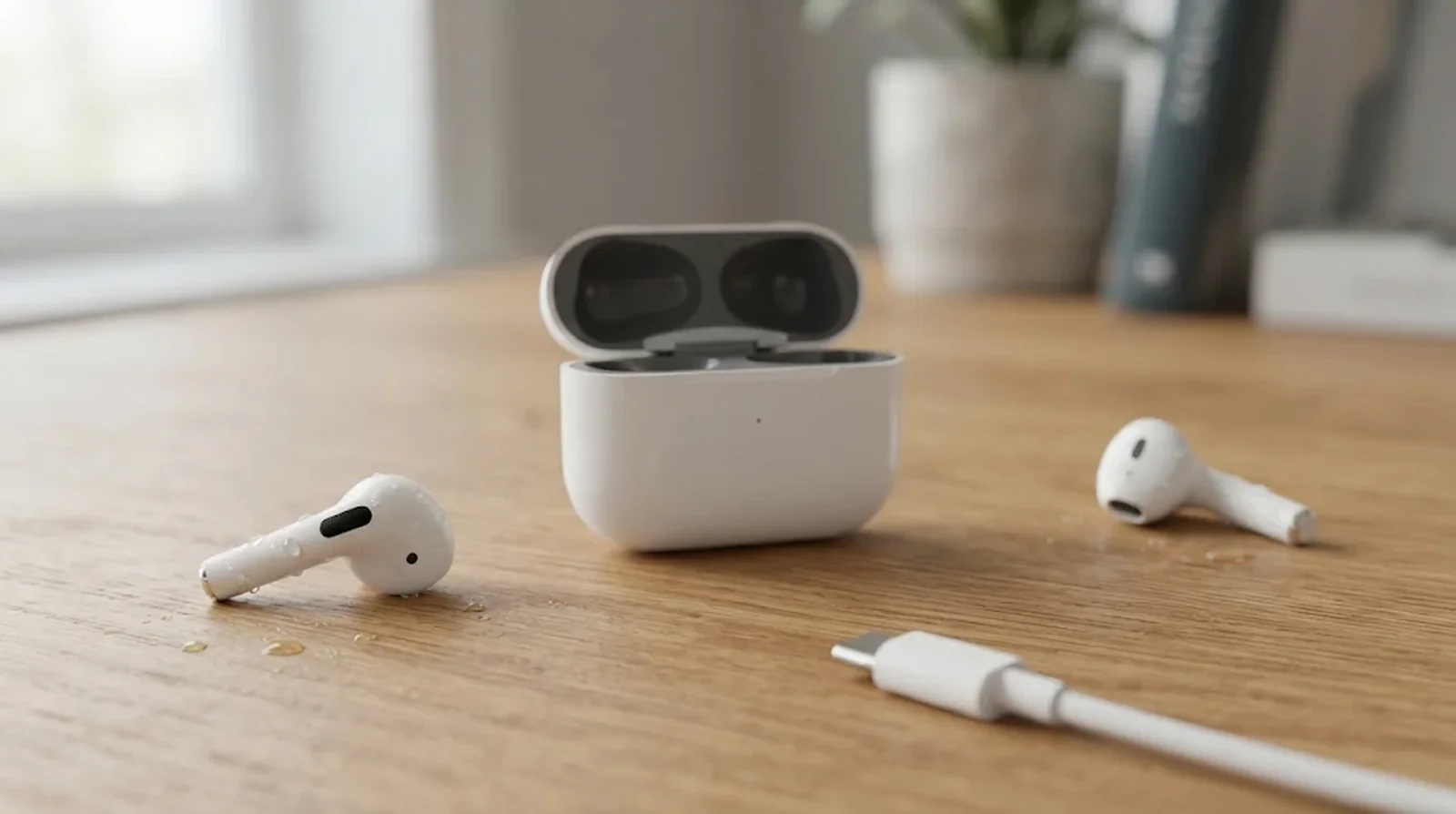
Putting wet earbuds back in their case goes against Apple’s instructions. Your AirPods need to dry before returning to the charging compartments, even if the case itself stayed dry.
The same caution applies when your charging case got wet. Apple tells you not to charge wet hardware, and a case’s water rating does not remove that restriction.
How to Do It
- Keep damp earbuds outside the charging case.
- Leave a wet case disconnected from its charging cable.
- Keep the wet case off wireless charging equipment.
- Wait until the affected pieces are completely dry before charging.
Once they’re dry and working, our guide on how to connect your AirPods helps if you need to pair them again.
4. Let Your AirPods Dry Completely
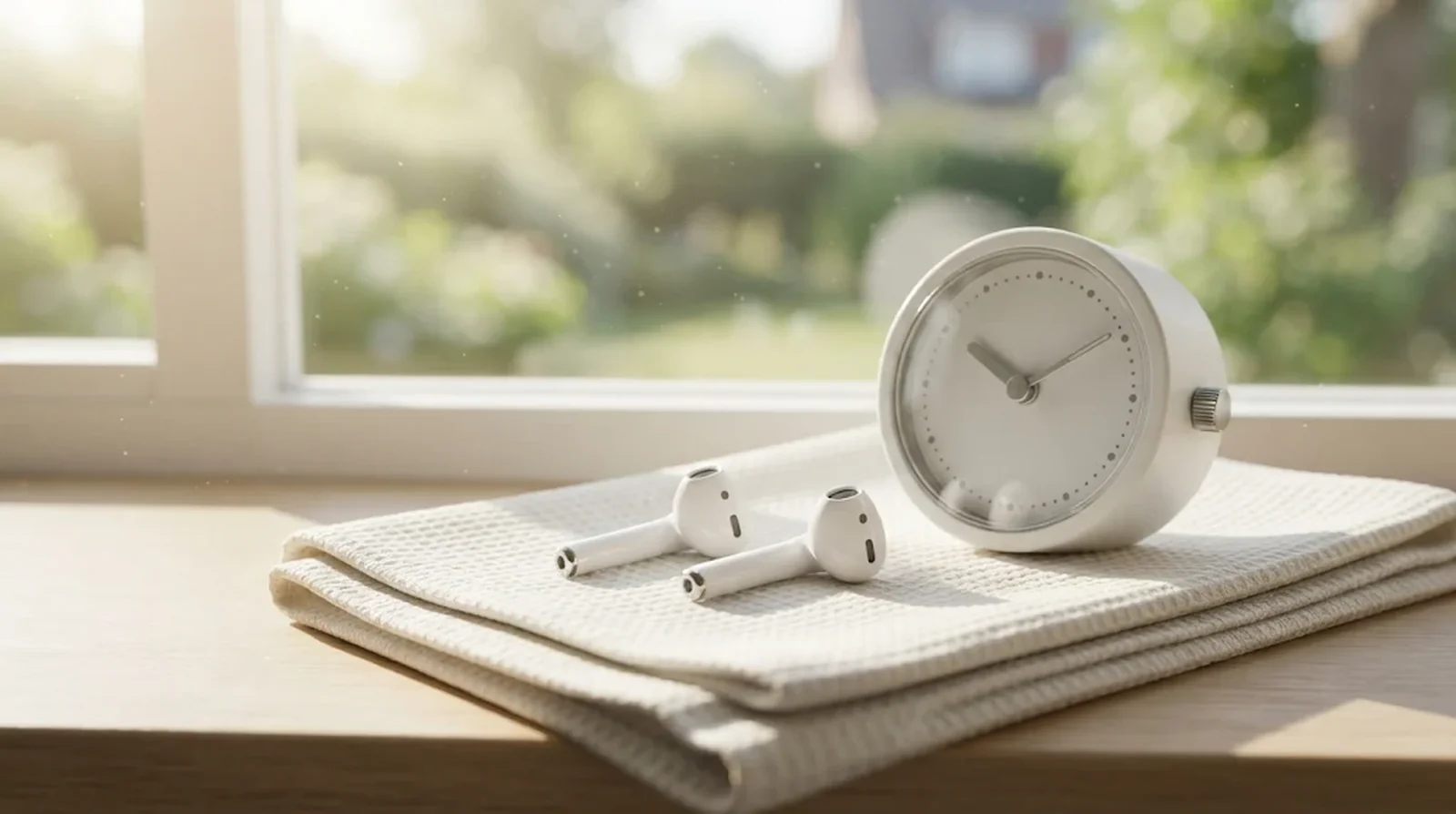
For the rated earbud models, Apple specifies a minimum drying period of two hours before use or returning them to the case. Complete dryness is also required, so the clock alone does not give you permission to start listening.
Can you speed things up? Apple says to avoid heat and compressed air, so let your earbuds air-dry instead. If they remain damp after the minimum interval, keep waiting.
AirPods Max have a separate instruction after cleaning their cushions and headband. Apple says to lay the headphones flat and allow at least a day before reinstalling the cushions, but that cleaning instruction is not a guaranteed recovery time for soaked headphones.
How to Do It
- Leave your earbuds outside the case to air-dry.
- Allow at least two hours before using the rated earbuds or returning them to their case.
- Wait longer if they have not dried completely.
- If you cleaned AirPods Max cushions and the headband, follow the separate minimum one-day drying instruction before reattaching the cushions.
5. Dry the Case Without Probing Ports
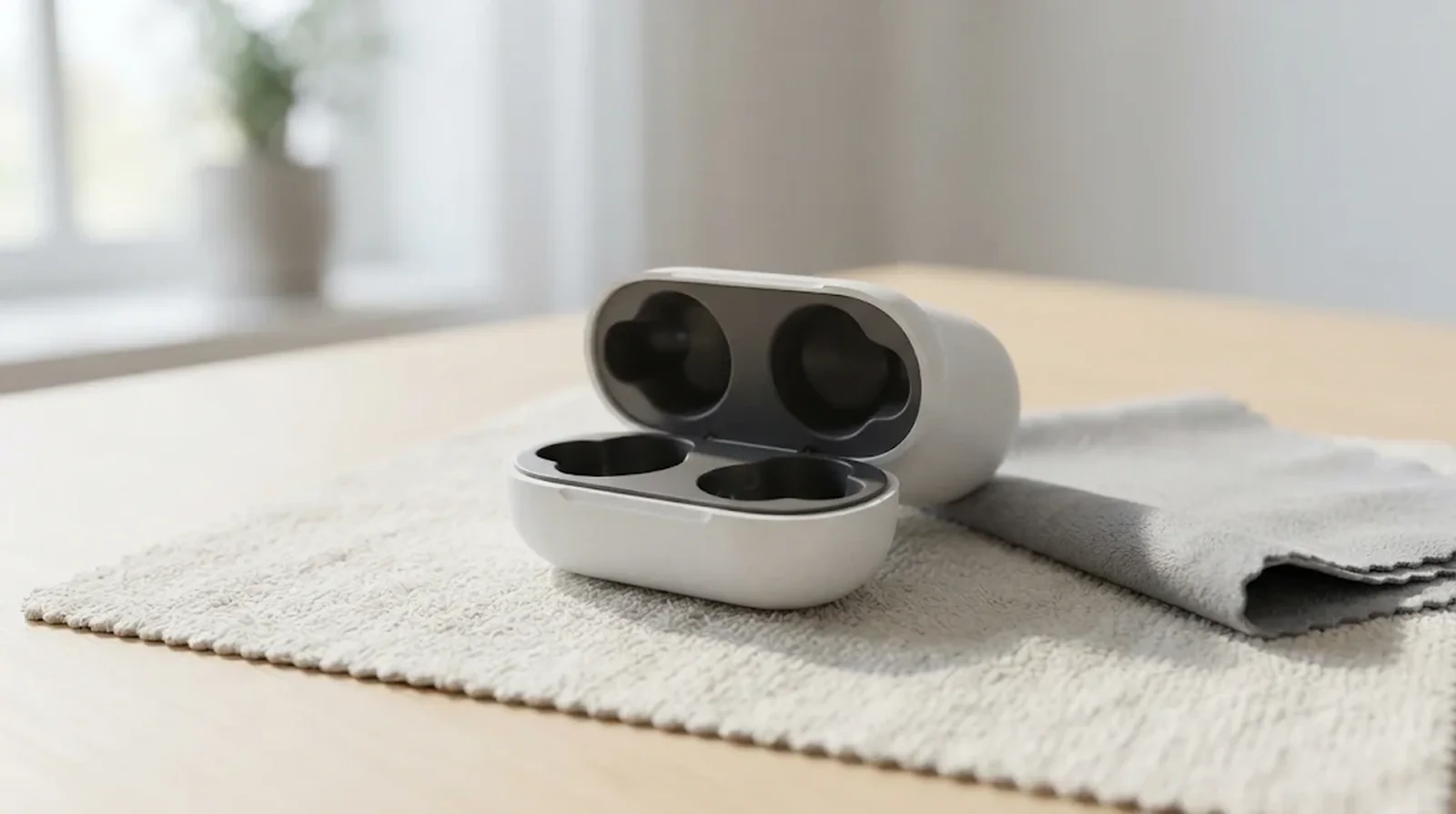
Your charging case needs care of its own, especially around the connector. Apple warns against getting liquid into the charging port or inserting objects that could damage its metal contacts.
For case cleaning, Apple permits a soft cloth lightly moistened with isopropyl alcohol when needed. Use it sparingly on the cloth rather than pouring liquid onto the case, and do not assign an alcohol percentage to Apple’s instructions because none is specified. Your phone needs the same gentle care, as our guide to cleaning a phone charging port explains.
Here’s the catch. Apple does not provide a separate drying interval for a waterlogged AirPods case. Its guidance also does not specify leaving the lid open as a wet-case recovery method, so neither should be presented as an Apple requirement.
How to Do It
- Wipe the case exterior with a dry cloth that does not shed lint.
- If cleaning is needed, lightly moisten the cloth with isopropyl alcohol and keep moisture away from the charging port.
- Use a dry brush with soft bristles to clear exterior debris around the connector.
- Leave the inside of the port alone and keep the case off charging equipment until completely dry.
6. Skip Rice, Heat and Compressed Air
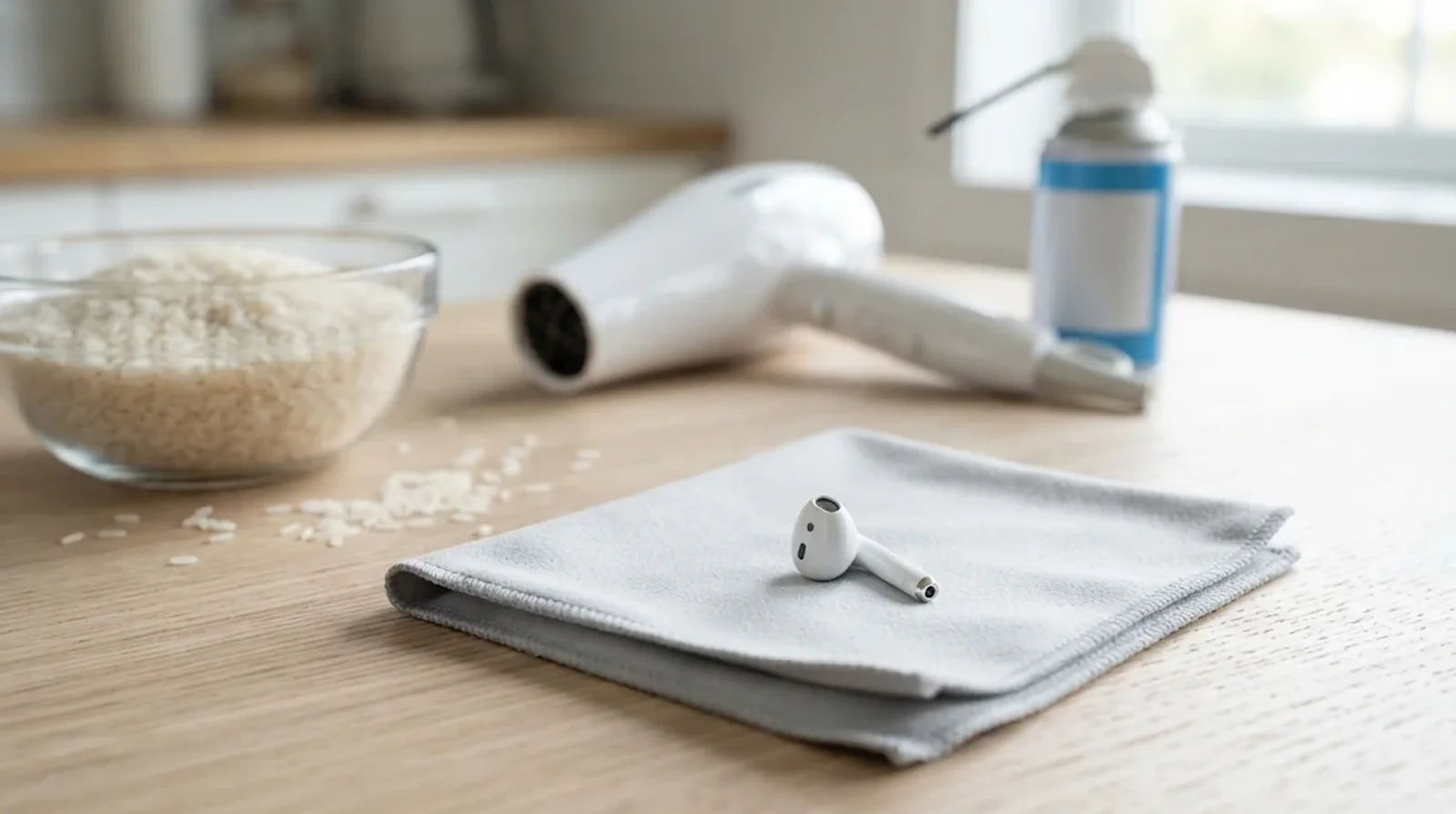
A hair dryer might seem like a faster way to finish drying your AirPods. Apple tells you to avoid heat and compressed air, so neither belongs in the recovery process for wet earbuds.
Rice is not a repair method either, according to iFixit’s guidance on wet electronics. Apple’s explicit warning about rice concerns iPhones, where particles could cause damage, rather than a separate AirPods instruction. For AirPods, stick with Apple’s cloth-and-air-drying guidance.
How to Do It
- Keep your wet earbuds and case away from hair dryers and other external heat.
- Avoid using compressed air to force moisture out.
- Leave rice out of the drying process.
- Continue air-drying and wait for complete dryness before use or charging.
7. Clean the Correct Speaker Meshes
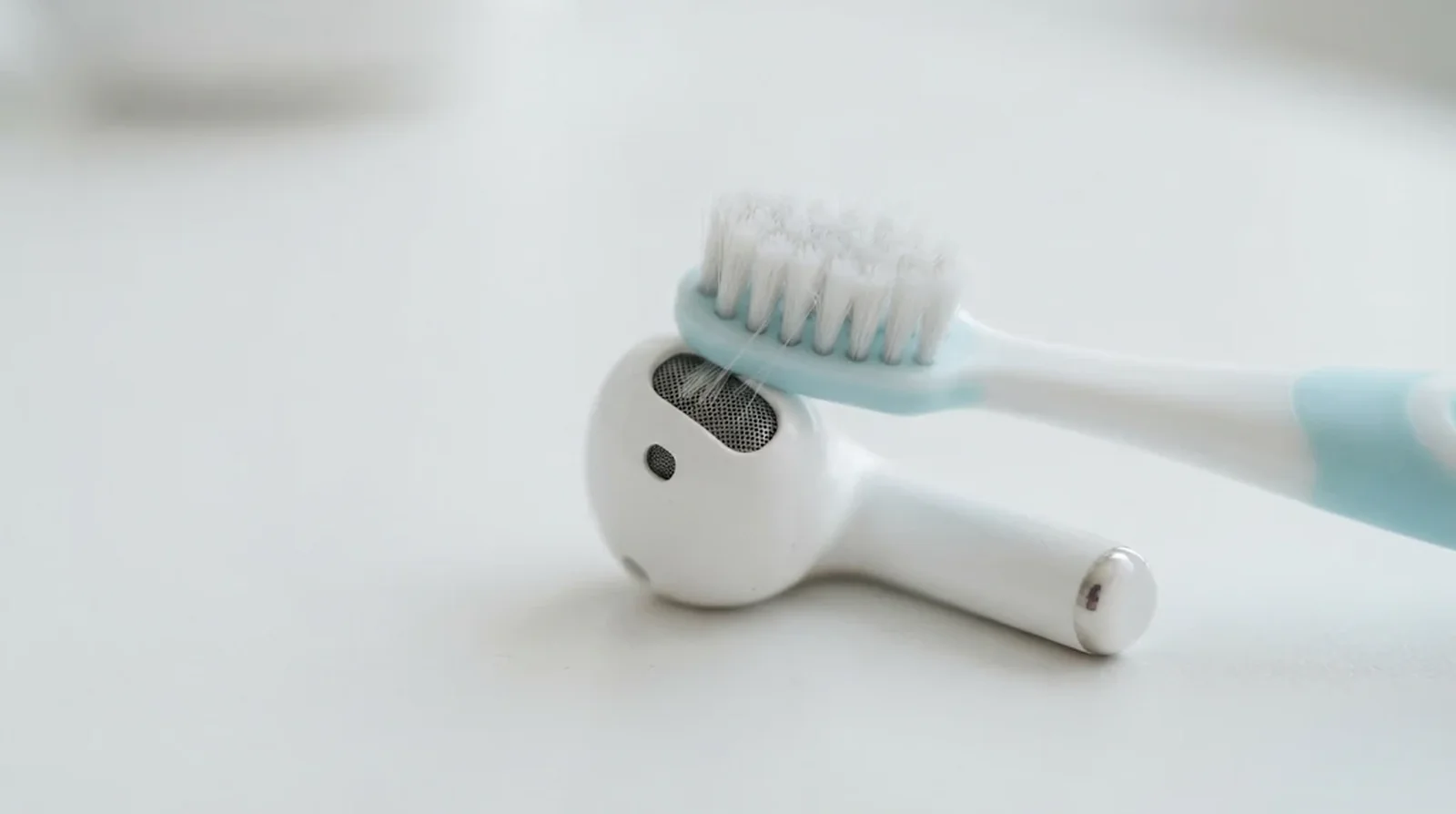
Muffled audio does not automatically mean your AirPods need replacing. Wax and sweat residue on the mesh can affect sound, so cleaning the correct areas is worth trying after drying. That said, cleaning cannot be promised to repair internal liquid damage.
For AirPods 3, 4, and 5, Apple lists a children’s toothbrush with soft bristles, distilled water, and micellar water containing PEG-6 Caprylic/Capric Glycerides. The Belkin AirPods Cleaning Kit is another listed option. Apple identifies particular meshes on AirPods Pro 3 too, including the bottom microphone, so follow the instructions for your exact model.
How to Do It
- Check Apple’s cleaning instructions for your model and identify the meshes you can clean.
- Prepare the listed cleaning materials rather than substituting household cleaners.
- For AirPods 3, 4, and 5, brush the designated mesh in circular movements for about 15 seconds using the prescribed micellar-water method.
- Follow the model’s instructions for the distilled-water rinse, keeping the treatment limited to the designated mesh.
- Allow complete drying, including Apple’s minimum two-hour interval, before returning the earbuds to their case.
8. Test Sound, Microphones and Charging
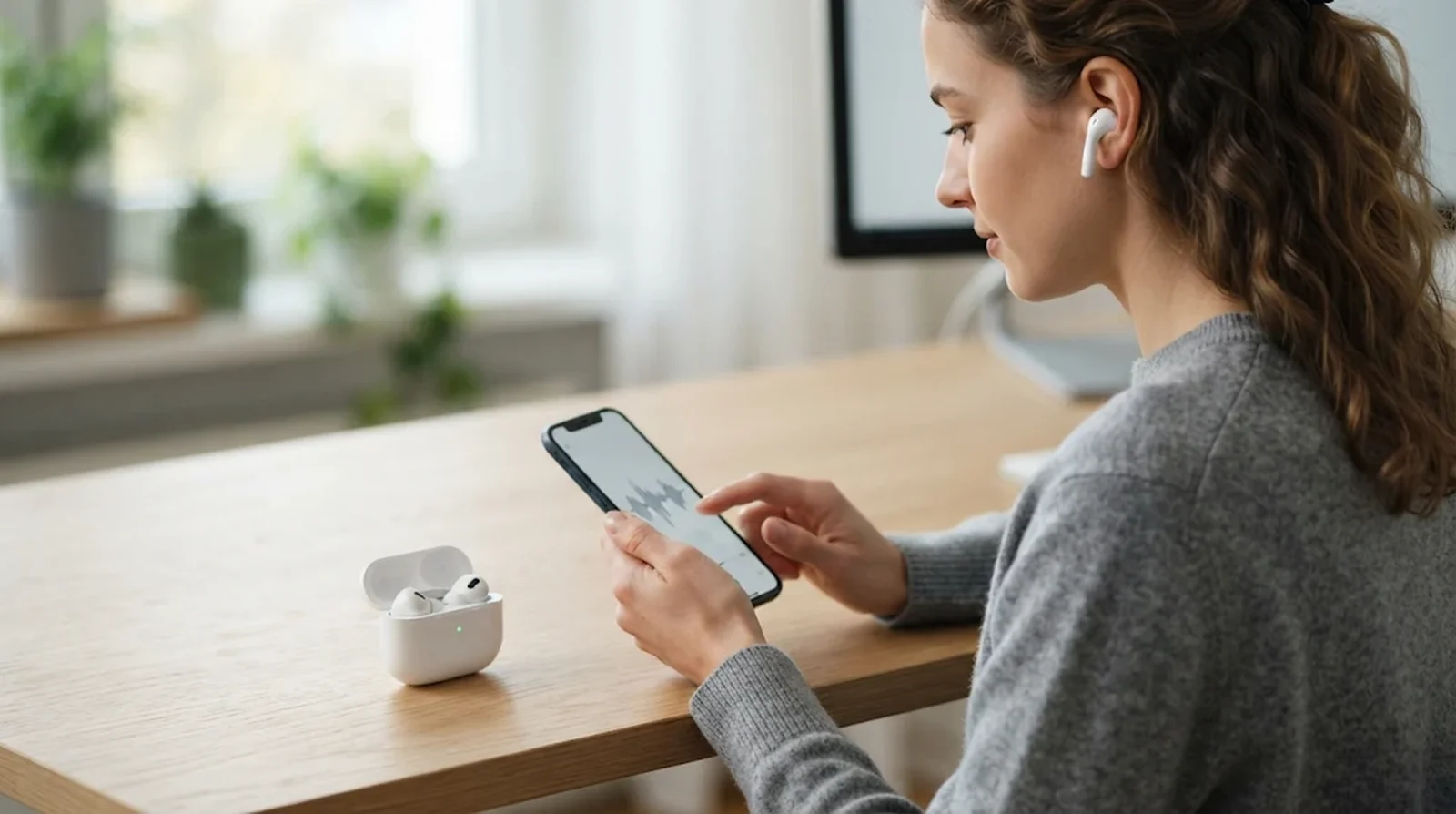
Once your AirPods have dried completely, you can check what works. Listen to each earbud and compare clarity and volume, then check whether your microphones pick up your voice.
On models with ANC and Transparency, compare those modes with noise control turned off. Muffled playback, crackling, microphone trouble, and charging failures are useful symptoms to note, but they do not establish the cause by themselves. Keep your findings specific so you can explain them if service is needed. If the earbuds keep dropping their connection, work through our fixes for AirPods that keep disconnecting, and make sure you check your AirPods firmware before you book a repair.
How to Do It
- Play audio through each earbud and check for low volume, muffling, or crackling.
- Make a call or recording to check microphone operation.
- If supported, compare ANC, Transparency, and playback with noise control off.
- Once the earbuds and case are fully dry, check whether charging works normally.
- Note which earbud, listening mode, or charging function still has trouble.
9. Contact Apple and Check AppleCare+
Still having trouble after drying and cleaning? Contact Apple through its AirPods service page and describe the symptoms you found. Your earbuds and charging case may need separate attention, so explain which pieces were exposed and which functions have stopped working.
If you have active AppleCare+ for Headphones, accidental liquid damage is covered. The plan permits unlimited accidental-damage incidents, with a $29 service fee plus applicable tax for each incident. Loss and theft are excluded, so replacing a missing earbud is a different situation from servicing one damaged by water.
How to Do It
- Check whether your AirPods have active AppleCare+ coverage.
- Open Apple’s AirPods service page and arrange support.
- Give Apple your model name and describe the exposure, drying, and remaining symptoms.
- If AppleCare+ applies, confirm the accidental-damage service fee and applicable tax.
- Without applicable coverage, check Apple’s service estimator for your model before proceeding.
What to Do After an AirPods Laundry Accident
Finding your AirPods after the laundry finishes does not tell you whether they survived. Some owners report working earbuds after a wash, while others describe damaged noise cancellation, failed cases, or trouble that appeared later. Treat those accounts as individual experiences, rather than a survival guarantee for your pair.
What Can Fail After a Laundry Cycle
Your earbuds might still play music even when another function has suffered. In a report published by TechRadar, Matt Bolton described AirPods Pro surviving a 30-minute wash and spin but producing wind-and-surf-like noise with ANC or Transparency enabled. He suspected microphone damage, although that diagnosis was not confirmed.
The dryer adds another concern because it introduces heat, which Apple tells you to avoid when drying AirPods. One MacRumors user reported that AirPods Pro 2 went through a 30-minute wash followed by roughly 40 minutes in a dryer, leaving the plastic warped. Another user account described working earbuds paired with a completely unresponsive case, so you cannot judge the whole set by whether music plays.
A Rescue Plan After the Wash
Start with the same drying process you would use after another liquid accident. Apple instructs you to wipe the earbuds, allow complete drying with a minimum two-hour wait, and avoid using heat or compressed air. Detergent exposure also calls for the appropriate cleaning instructions for your model.
Should you wait longer after a full wash? In a user discussion about a washed AirPods Pro 2 case, a reply suggested at least 48 hours without charging because detergent residue could cause later corrosion. That is user advice, rather than Apple’s prescribed drying interval for a soaked case, and it does not guarantee recovery.
- Remove your earbuds from the case and leave charging equipment disconnected.
- Wipe the exterior dry.
- Follow Apple’s model-specific cleaning instructions for detergent residue.
- Allow complete drying before use or charging, rather than treating the minimum waiting period as proof of dryness.
- Contact Apple if the earbuds or case still malfunction.
Warning Signs Over the Following Days
Your first successful playback test may not tell the whole story. In the MacRumors wash-and-dryer account, the owner reported that the left earbud deteriorated later and the case light began flickering. Another washed-AirPods Pro account described a high-pitched ringing sound when ANC was enabled.
Pay attention to hiss, ringing, changing sound quality, or unusual case behavior after drying. In Bolton’s report, disabling ANC stopped the unwanted noise, but that did not establish that the affected function had recovered. If you need service, explain which listening mode triggers the noise and whether the symptoms have changed since the accident.
Why IP57 AirPods Still Need to Stay Out of Showers and Pools
AirPods Pro 3 and AirPods 5 have a higher immersion rating, but Apple still tells you to avoid swimming and showering. Here’s the catch. Surviving a controlled dunk and being designed for regular use in water are different promises.
What the Immersion Test Actually Covers
Your IP57 rating covers temporary immersion in still, fresh water under controlled laboratory conditions. For AirPods Pro 3 and AirPods 5, Apple specifies a maximum depth of 1 meter for up to 30 minutes. Those limits describe the test, rather than a suggested swimming session.
A shower or pool introduces conditions outside that description. Soap, steam, chlorine, salt water, and forceful water exposure are not equivalent to the test water, and Apple specifically warns that soaps and other listed substances can harm seals and acoustic membranes. Keep your earbuds away from showerheads, swimming pools, saunas, and water sports despite the higher rating.
Why Bluetooth Fails Underwater
Could you leave your phone beside the pool and keep listening while swimming? Bluetooth does not work well through water, so a water rating cannot solve the connection problem. Shokz specifically limits underwater listening on OpenSwim Pro to MP3 mode because water disrupts Bluetooth signals.
That means your swim headphones need stored audio rather than a dependable underwater connection to your phone. When choosing equipment for swimming, check how you will play music as well as whether the manufacturer permits underwater use.
Swimming Headphones and the Powerbeats Limit
For swimming, Shokz OpenSwim provides IP68 protection and permission for use at depths of up to 2 meters for no more than 30 minutes. You load audio onto its 4GB storage and listen without Bluetooth. Its care instructions call for rinsing after exposure to salt or chlorine.
OpenSwim Pro also carries IP68 protection and supports immersion in fresh water to a depth of 2 meters. You get 32GB of storage for underwater MP3 playback, while Bluetooth 5.4 is available for use on land. After open-water use, its instructions call for soaking it in fresh water for about 30 minutes.
Powerbeats Pro 2 is not an alternative for swimming, despite being intended for exercise. Its earbuds have an IPX4 rating, and its charging case has no sweat or water resistance. Beats also tells you to avoid swimming and showering, so changing from AirPods to Powerbeats does not remove those restrictions.
Sweat and Water Wear Over Time
Your AirPods can tolerate rated activities without keeping the same resistance forever. Everyday wear, residue, and certain substances still deserve attention, while noises that appear during exercise do not automatically prove sweat damage.
Sweat, Sunscreen and Lotion Need Different Care
A sweat rating does not make your earbuds immune to wear. Apple says resistance can decline over time and tells you to wipe your earbuds after heavy sweating before returning them to their case. Keeping that habit matters even if your pair has never been dropped into water.
Sunscreen and lotion bring a separate concern because Apple lists both among substances that can damage seals and acoustic membranes. If either gets onto your earbuds, follow the cleaning instructions for your model rather than leaving the residue in place. Do not assume the sweat rating also covers whatever you applied before your workout.
Crackling Does Not Prove Sweat Damage
Your older AirPods Pro may have a sound fault unrelated to a recent wet workout. Apple’s first-generation AirPods Pro service program covered eligible units manufactured before October 2020 that developed symptoms including crackling or static during exercise, calls, or loud conditions. Coverage lasted three years from the original retail sale, so you should treat that old program as generally past its coverage window rather than assume a free replacement remains available.
AirPods Pro 3 have separate user reports of static, crackling, or whistling with ANC or Transparency enabled. An October 30, 2025, Tom’s Guide report described complaints from MacRumors owners, without establishing a link to sweat. No Apple statement accompanied those reports, so hearing a similar noise does not confirm moisture as the cause. Our guide to AirPods Pro 3 static noise covers more fixes for that sound.
AirPods Max Condensation Reports
Some AirPods Max owners have reported moisture collecting inside the ear cups, followed by unexpected shutdowns or connection failures. Those are user reports, so they do not establish why your own headphones stopped working. They do give you a reason to describe any visible moisture when seeking help.
Reports also describe a class action filed in 2021 over alleged moisture-related problems. That legal action does not prove every reported failure had the same cause. For your daily use, the relevant Apple guidance remains that AirPods Max and the Smart Case lack water resistance and should be kept away from moisture.
What Water Eject Shortcuts Can Actually Promise
Water Eject shortcuts use loud tones, but they are third-party tools rather than an Apple AirPods drying feature documented in its instructions. Running them also requires operating the earbuds while wet. That conflicts with Apple’s instruction to let wet AirPods dry before using them.
Some users have reported improvement after trying these shortcuts, but the accounts do not establish a reliable repair method. SoundGuys described reported successes without providing tests, while a separate commenter claimed damage to a phone speaker, rather than an AirPod. Follow the drying process before testing playback instead of treating a tone as proof that moisture has been removed.
Does Apple’s Warranty Cover Water Damage on AirPods
Your one-year Apple limited warranty excludes damage from accidents, external causes, use outside Apple’s published instructions, and normal wear. The exclusions described here do not contain a separate liquid-damage clause, but accidental liquid exposure falls within the accident or external-cause exclusions. Swimming and showering also conflict with Apple’s stated use instructions.
AppleCare+ for Headphones covers accidental liquid damage and permits unlimited accidental-damage incidents. Each incident carries a $29 service fee plus applicable tax, with coverage applying to your AirPods and charging case. Loss and theft are excluded, so a missing earbud does not qualify as a liquid-damage claim.
Without applicable coverage, check Apple’s AirPods service page for the price for your exact model and affected item. Confirm the estimate before proceeding rather than relying on a replacement price quoted for another generation.
FAQs
No, Apple advises against showering with every AirPods model, including the IP57 versions. Running water, steam, and products such as shampoo fall outside the conditions represented by the immersion test.
Some owners report working earbuds after a wash, but others describe failed cases, ringing, or damaged noise cancellation. Retrieve your pair, clean detergent residue using the appropriate instructions, and allow complete drying before testing or charging. Working immediately afterward does not guarantee that problems will stay away.
Keep your AirPods Max away from rain because Apple gives them no water resistance. The Smart Case offers no water protection either, and AirPods Max 2 has no published resistance rating.
Yes, depending on your model, and the original AirPods Pro cases are an important exception because they lack water resistance. Cases for AirPods 3 and Lightning-equipped AirPods Pro 2 carry IPX4. USB-C AirPods Pro 2 cases and both AirPods 4 case versions carry IP54. AirPods Pro 3 and both AirPods 5 case versions carry IP57, but the earliest two standard AirPods generations have no published case rating.
No, Apple still advises against swimming with your AirPods Pro 3. Their immersion rating describes a controlled freshwater test, rather than permission for pool use. Bluetooth also struggles underwater, so swimming headphones need stored audio for dependable underwater playback.
Active AppleCare+ for Headphones covers accidental liquid damage to your earbuds and case, with unlimited accidental-damage incidents. You pay $29 for each incident, plus applicable tax. The plan excludes missing or stolen headphones, while the standard warranty excludes accidental damage.
Final Word
Start by checking your exact AirPods generation and the rating of its case. That gives you a useful limit for everyday use, while showers, pools, and laundry remain places to keep every pair away from. You can enjoy your headphones without testing how much water they might survive.
If an accident happens, wipe your AirPods, leave them out of the case, and allow complete drying before using or charging them. Skip rice, heat, and compressed air. If sound or charging problems remain, check your AppleCare+ coverage and contact Apple for service.
